The brief
Knowing what you earned
Tip Counter was an iPhone app for keeping up with your tips, and for seeing what a shift, a month or a year really paid. I first made it in 2011 and rebuilt it in 2013.
Our own app
What tipped work really earns.
Tip Counter was an iPhone app for people who work for tips: log your shifts, and see what you made by the week, the month and the year, and by the hour. I built it myself, on the App Store from March 2011 until I took it down in November 2020.
No longer runningtipcounterapp.com
The brief
Tip Counter was an iPhone app for keeping up with your tips, and for seeing what a shift, a month or a year really paid. I first made it in 2011 and rebuilt it in 2013.
The Challenge
An income tracker is only as good as what goes into it, so logging a shift had to ask for as little as possible. It still had to answer the questions that matter: what did I make this month, and what is that an hour?
What I Built
A native iPhone app, first released in March 2011 and rebuilt in RubyMotion in 2013. It kept jobs, shifts, tips and wages on the phone, worked out income by day, month and year, exported to CSV, and locked behind a passcode or Touch ID.
Why I built it
I was a server from about 2007 to 2009, and I realized I had no way to keep up with my tips, or to see how much money I was making. What I really wanted was to decide which shifts to pick up, because those were the ones that would earn me the most. I was also fresh out of college, and the App Store was still new, so an app felt like a good answer to a real need. Tip Counter first appeared on it on 7 March 2011, at $1.99.
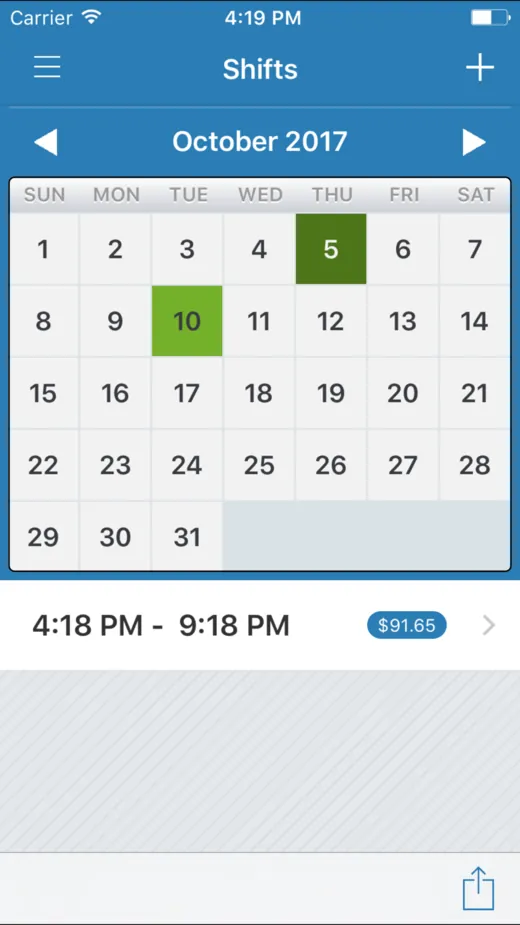
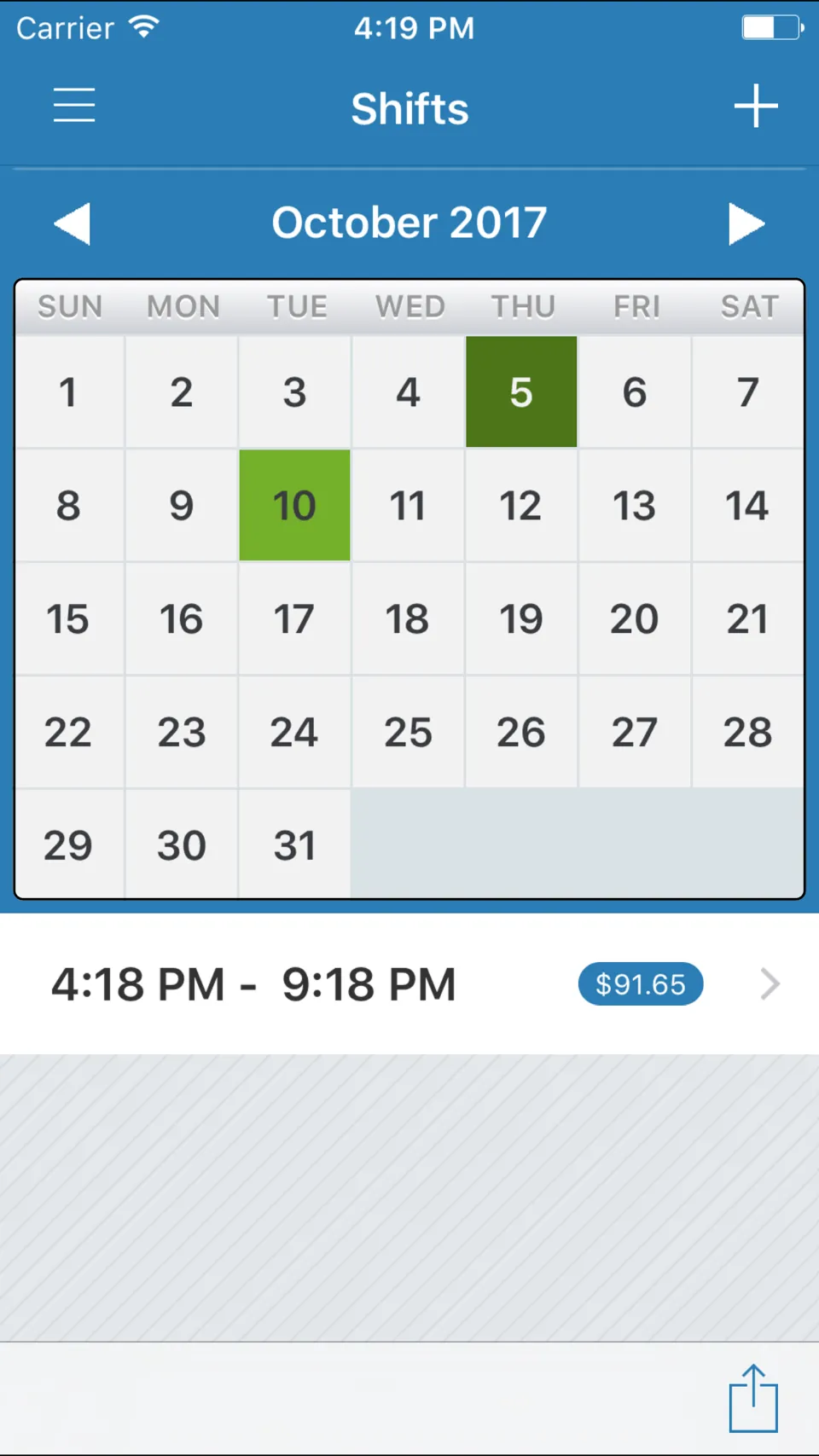
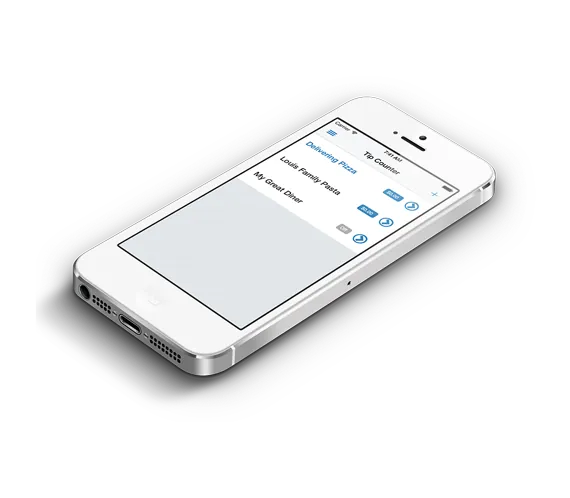
The Shifts screen is the heart of it. A calendar shows the month, and every day you worked is marked in green, so a glance tells you how your month has gone. Tap a day and the shifts you worked that day are listed underneath, each with its hours and what it earned, and the plus at the top adds a new one.
Logging a shift
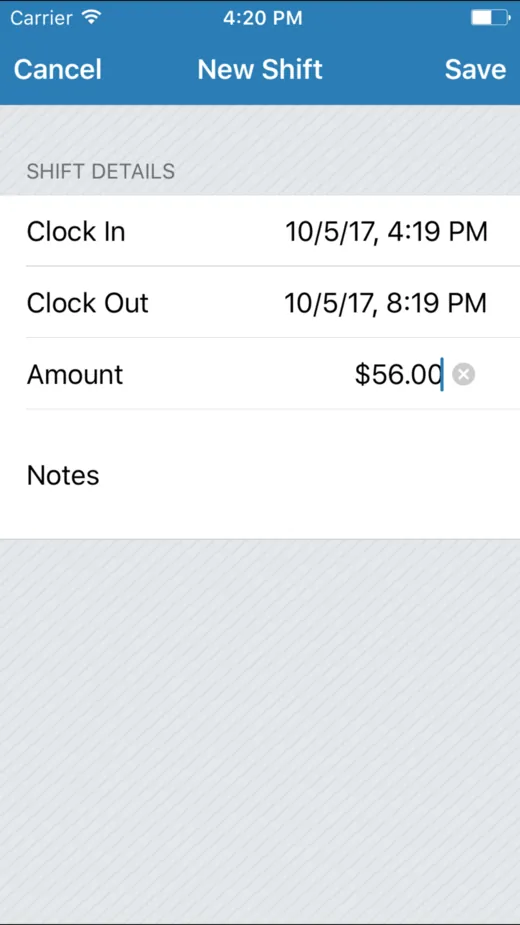
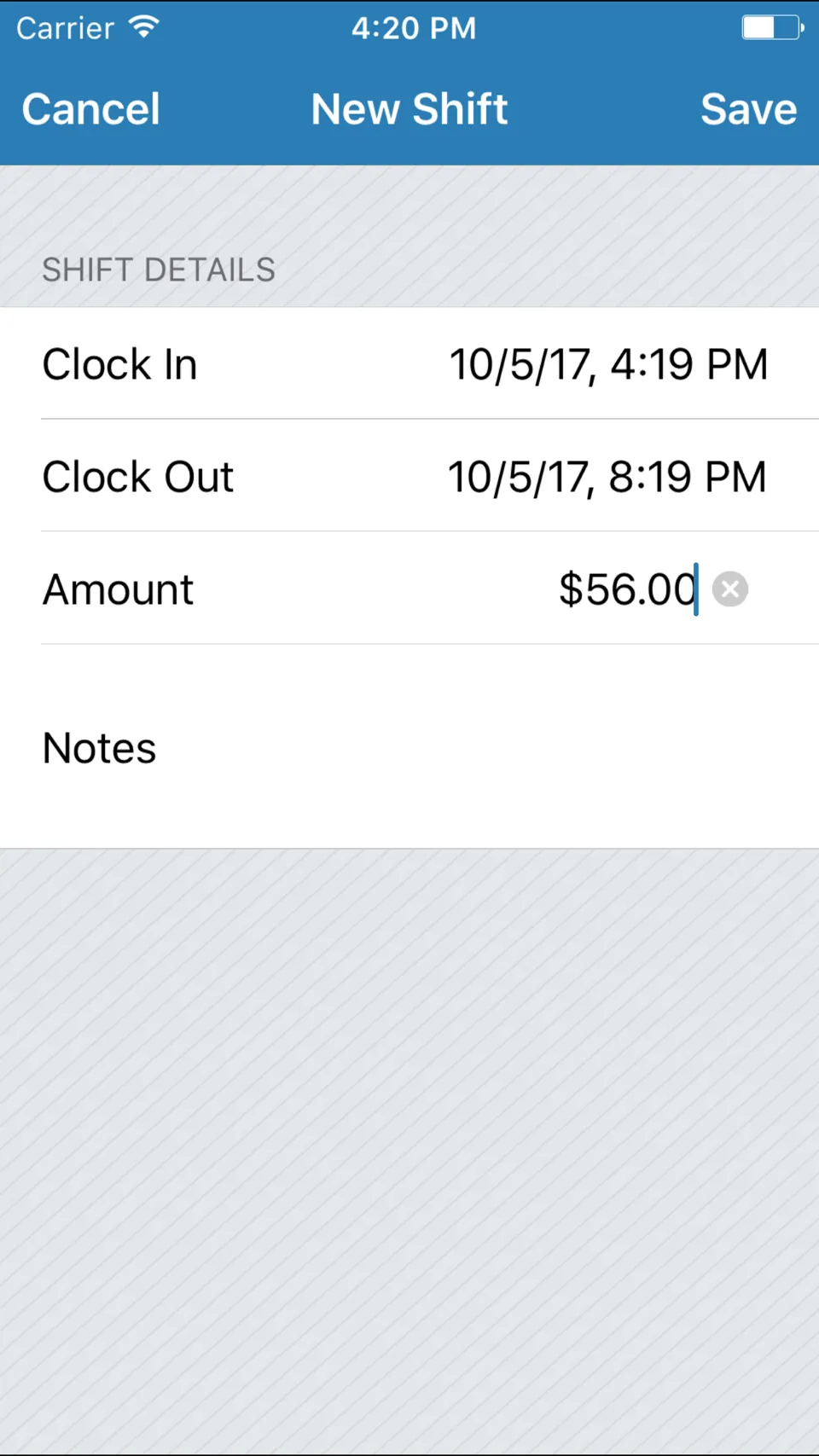
A new shift is the time you clocked in, the time you clocked out and the amount, which is your tips, with a space for notes if you want one, and that’s all. Everything else the app works out for itself. Setting a job up first is the only real effort: its name and the hourly rate it pays.
With no job set up yet, an overlay pointed you at creating your first job, so nobody stared at an empty calendar wondering where to begin.
The answer
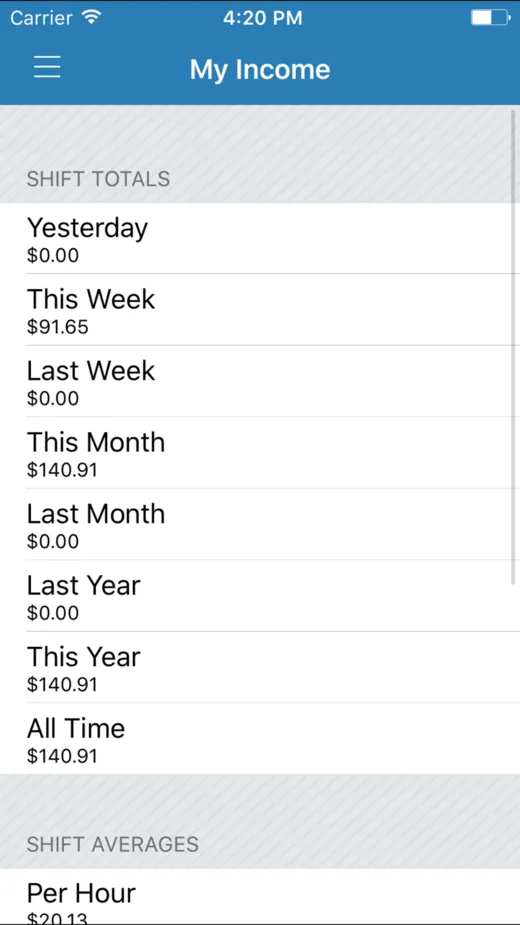
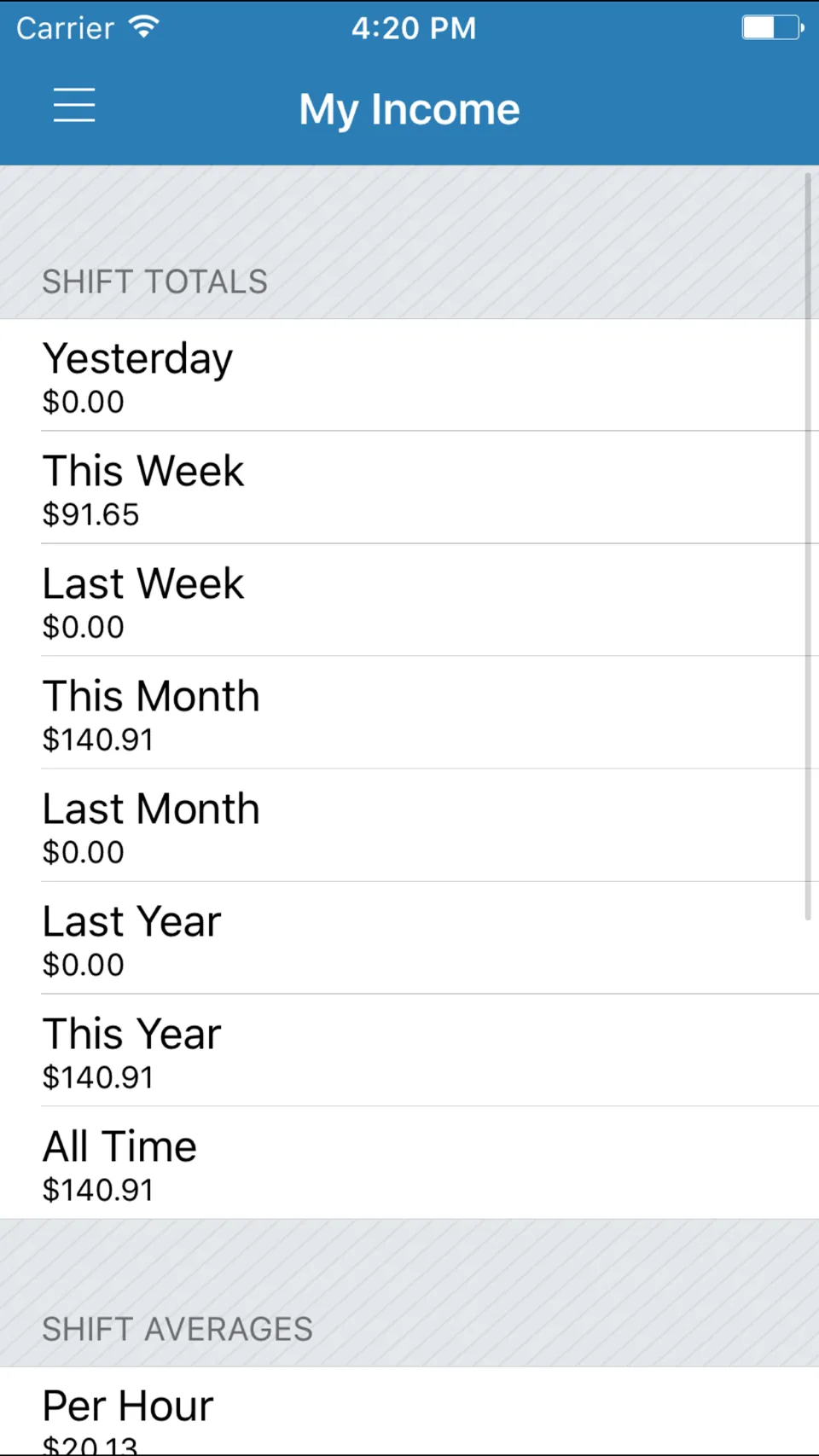
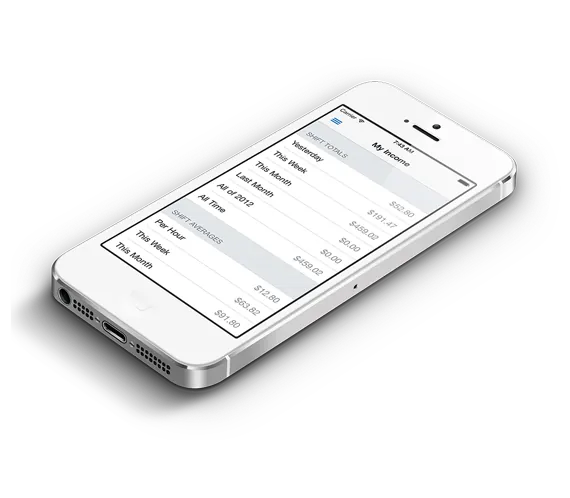
The second screen answers the question the whole app is for. It totals a job’s shifts for yesterday, this week and last week, this month and last month, this year and last year, and all time, and under them, in its shift averages, it shows what that comes to per hour across every shift, a number that’s hard to know without writing everything down.
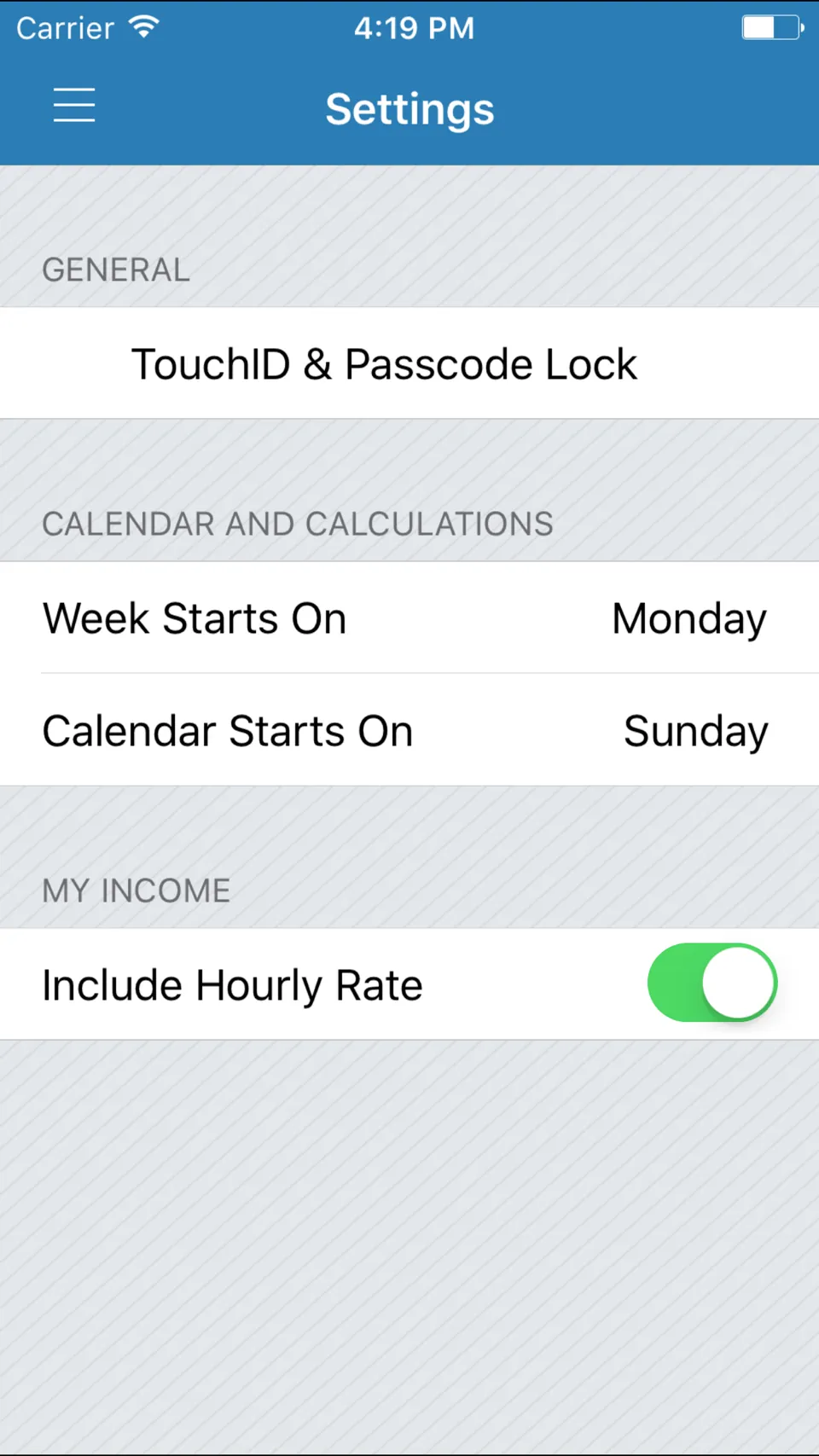
Whether the job’s hourly wage is added on top of your tips is your choice, with the Include Hourly Rate switch in Settings: without it you see what your tips came to, and with it what you really earned. The band below runs the same sums.
The sums
The sums behind My Income are small, and they’re the reason the app was worth having. A shift’s wages are the hours you worked times the job’s hourly rate, and its total is the tips, plus the wages if you’ve told the app to count them. Divide that by the hours and you have what the shift paid an hour.
For tipped work the wage is small and the tips are not, so the switch matters more than it looks. Try it with your own numbers.
Take a 4 hour shift at $2.13 an hour with $56.00 in tips. Its wages are $8.52. With the hourly rate included, the shift is $64.52, or $16.13 an hour. Without it, the shift is the $56.00 in tips, or $14.00 an hour.
Keeping it private
Everything stayed on the phone, in Core Data, and there was no cloud sync at all. You could lock the app behind a passcode, and from January 2015, on the phones that had it, behind Touch ID. In November 2017 I added a 3D Touch quick action, so pressing the icon on the home screen went straight to a new shift.
When you wanted the numbers somewhere else, the shifts screen could export them as a CSV file, which I added in September 2013, and pass it to another app on the phone.
The craft
The app in this case study is version 2, which I rebuilt in RubyMotion and released in March 2013, and kept updating until November 2017. I’d done plenty of Objective-C by then, but I’d since got more into Ruby and Rails and really liked it, and RubyMotion looked very promising. I fully embraced the simplicity of it, and I enjoyed using Ruby for native development. I also met some really great people in the community doing it. The first version, from 2011, was as far as I remember a plain Objective-C app, and I think the rewrite made it a little nicer.
It leaned on the libraries the RubyMotion community shared then: ProMotion for its screens, Formotion for its forms, and Core Data for the storage, with a calendar control for the Shifts screen and a drawer for its menu.
Every one of the 140 commits in the rewrite’s repository is mine.
Later I realized the app had stalled. It needed to be cross-platform, to capture more of the market than iPhone alone could, and it needed proper cloud sync, which CloudKit wasn’t mature enough to give me then. From 2017 I worked on a Rails API for it, and in 2019 on a React Native app. Neither ever replaced the app people had, and neither ever connected to it.
What happened
In November 2020 I took Tip Counter down, and its website with it. Sales had risen a little and held steady for several years, but the product had stagnated. After several iOS changes it needed significant investment to keep up the polish and the design direction I wanted, and I just didn’t see the return on that investment.