Press the big red key.
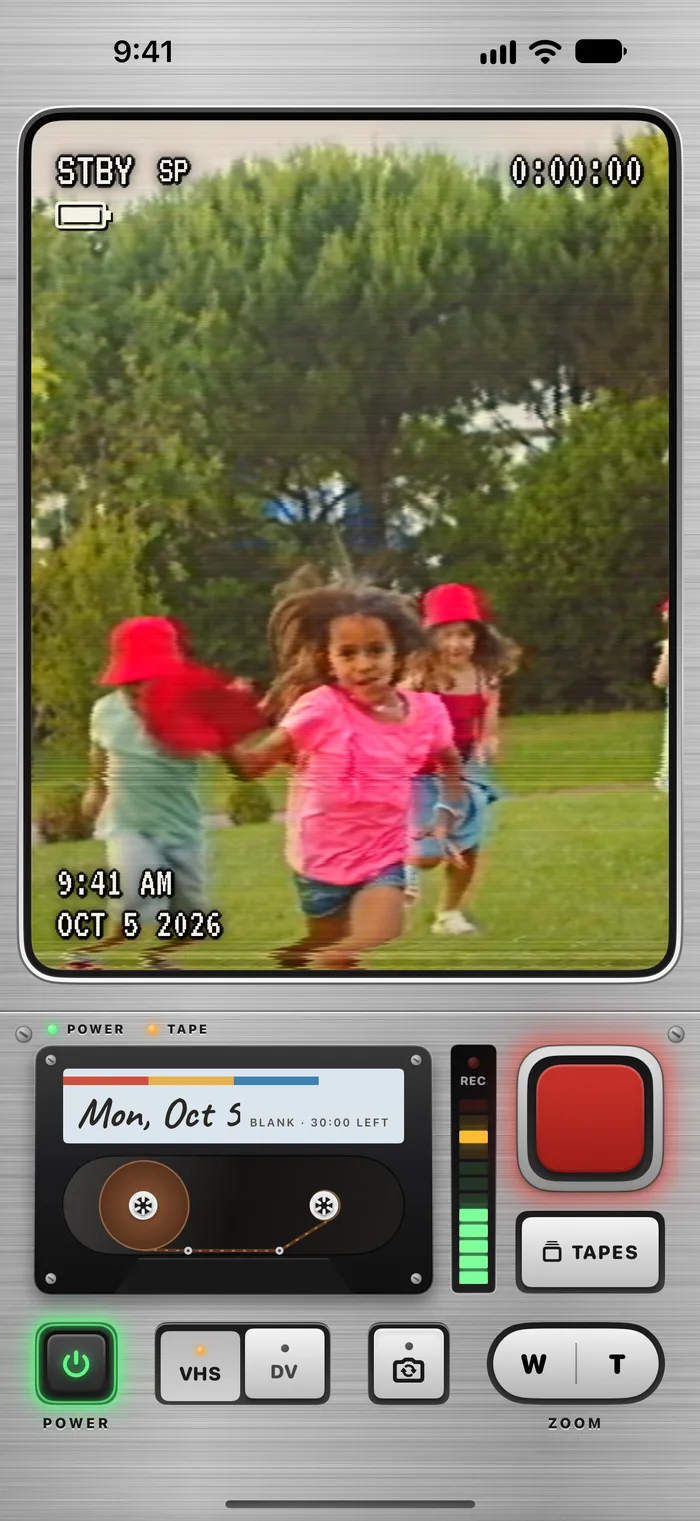
That’s the whole lesson. Each flip stops by itself at 20 seconds and is saved, with a calm countdown in the viewfinder: no beeps, no rush. Or press it again to stop sooner.
 Lotus Apps presents
Your whole day, unedited.
Little 20-second flips through your day become one home video by tonight. A retro camcorder for iPhone, made for iPhone Duo.
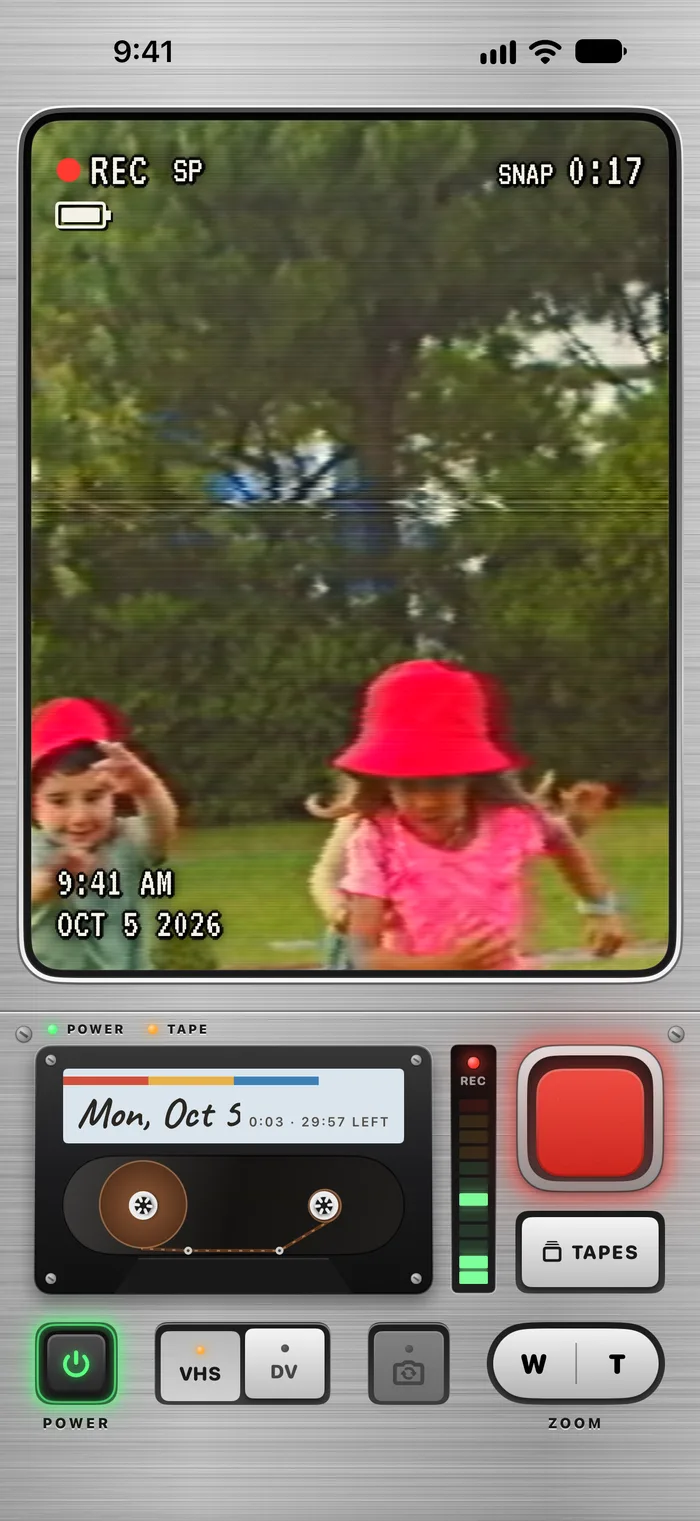
STBY SP FLIP 0:20
How it works
A camcorder you operate, not a filter list: a POWER key, a record key that presses, cassette reels that turn, and an old TV that warms up. There’s nothing to learn but the big red key.
That’s the whole lesson. Each flip stops by itself at 20 seconds and is saved, with a calm countdown in the viewfinder: no beeps, no rush. Or press it again to stop sooner.
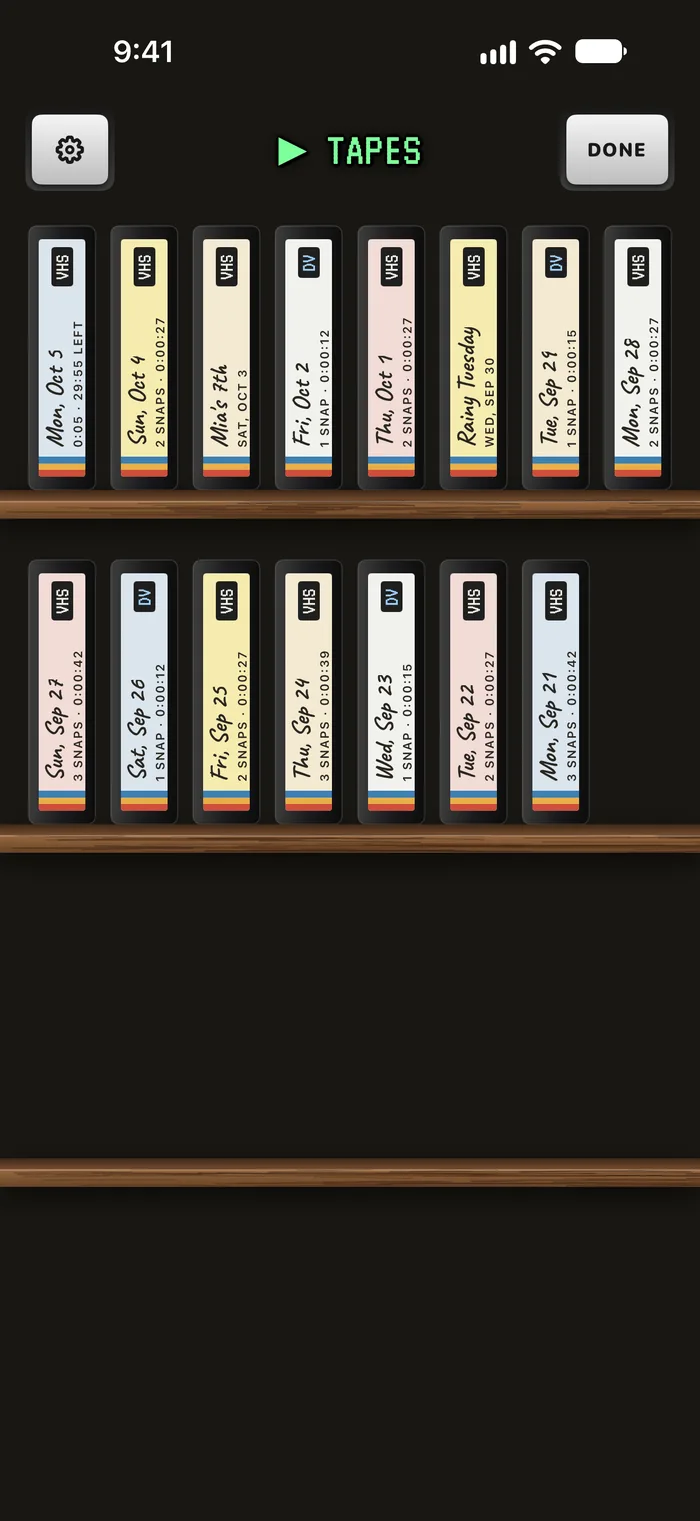
Everything you film today lands on today’s dated tape, labelled by hand. The tapes stand spine-out on a wooden shelf, newest first.
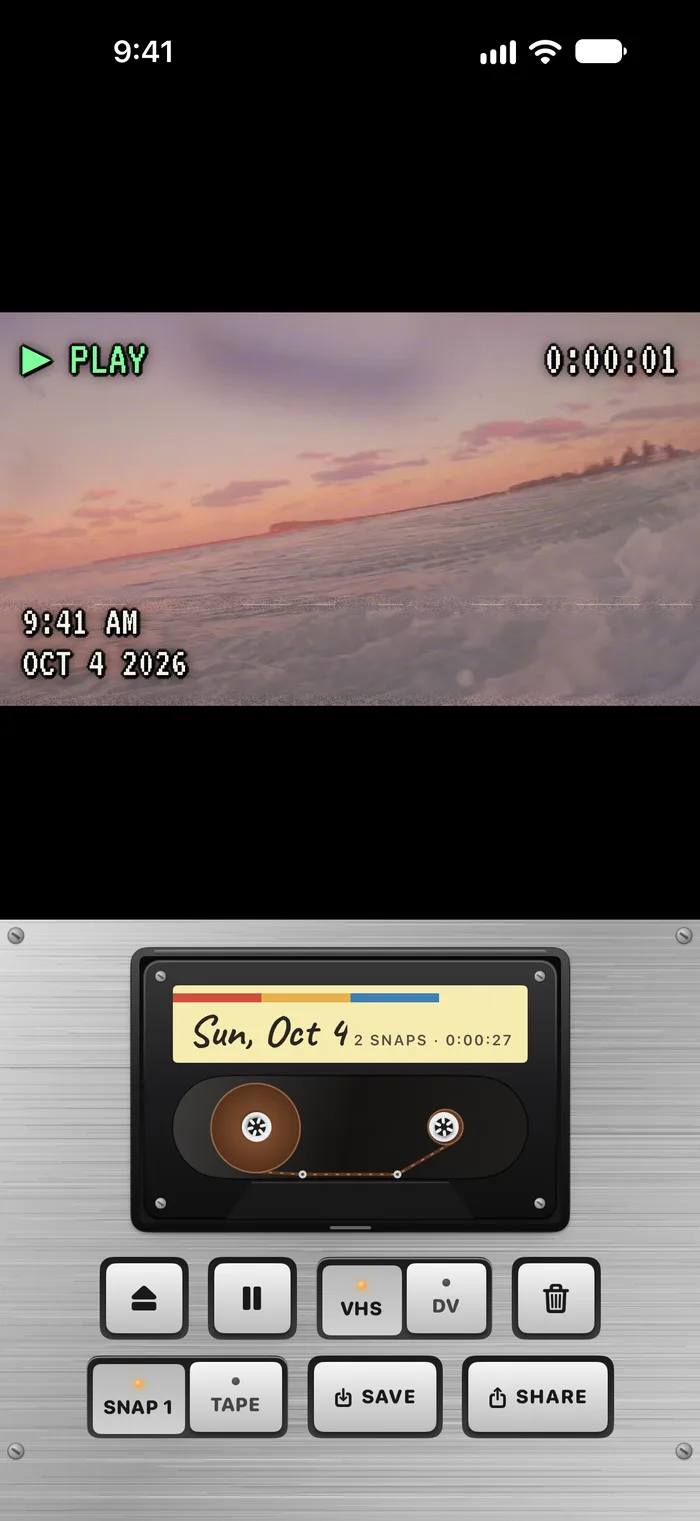
Tonight, tap the day’s spine and the tape drops into the player. Its flips play back to back, like an old home video, tracking wobble and all.
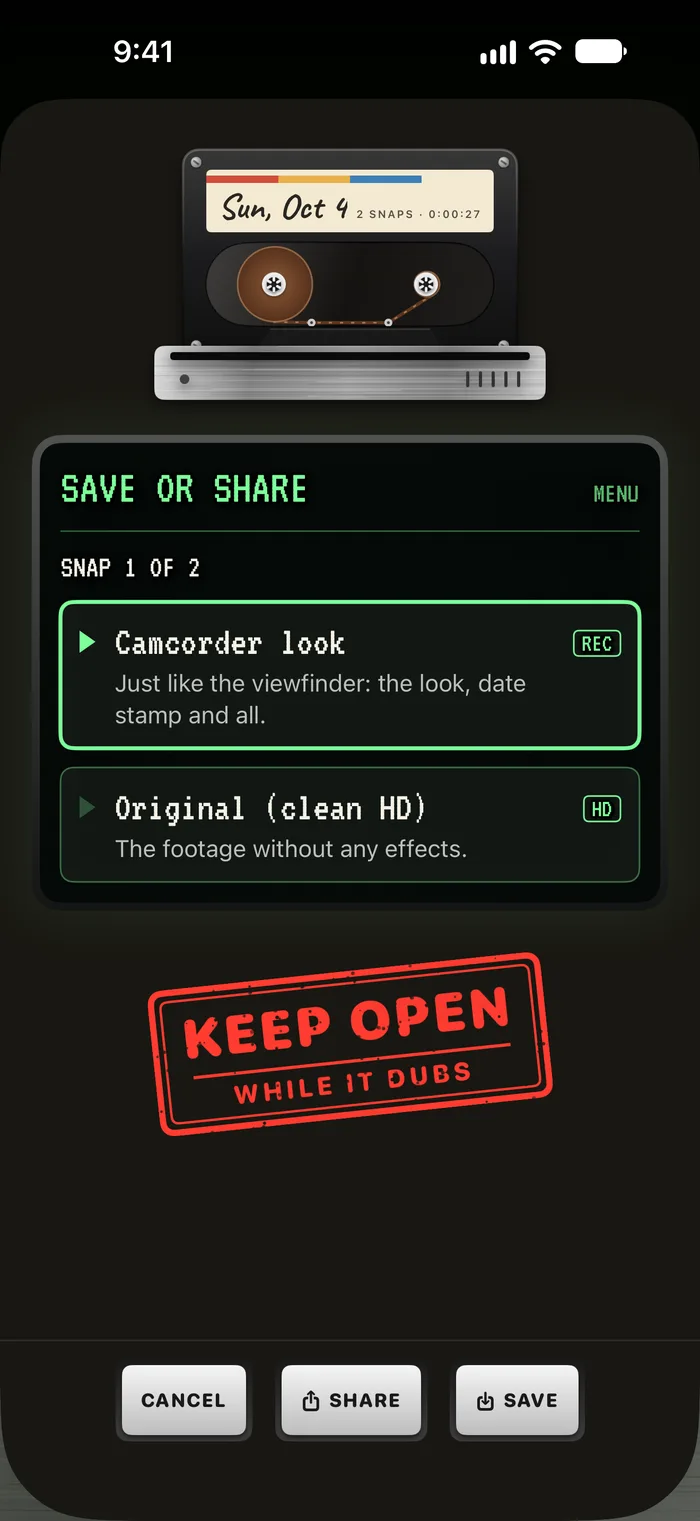
Save the whole tape to Photos as one movie that opens on a title card, in the camcorder look or as the clean HD original. Then share it straight from the camcorder.
The day tape
A camcorder cassette held only so much, so you filmed the moments that mattered. Flipcorder keeps that limit, gently: short flips on purpose, one tape a day, and a fresh tape every midnight.
Twenty seconds is enough to catch the moment and get back to it. Want a longer take? Set Flip length to No limit in the camcorder’s settings. It’s the same app at the same price, with nothing to unlock.
Like a real cassette, today’s tape holds 30 minutes, and the camcorder shows how much is left. When it’s full, a fresh one loads at midnight. A flip that runs into the end is cut short and saved, never lost.
An afternoon check-in if today’s tape is still blank, and an evening note when it’s ready to play. They’re off until you turn them on, and they’re set up on your phone, with no account. No streaks, ever.
A widget shows today’s tape as a cassette, with a flip from today in its window. Tap it and the camcorder opens ready to film, or today’s tape starts playing. Lock Screen widgets show the count and your latest flip.
The fold
Open it and the viewfinder warms up like an old TV. Open it all the way and the person you’re filming sees themselves on the outside screen, with a REC light so they know when to wave. Close it and your flip is saved before the camcorder powers down.
On every other iPhone, a glowing POWER key does the same job, and everything else works the same: the flips, the day tapes, the looks, and saving and sharing.
Two looks
VHS has bleeding colour, scanlines, a tracking wobble and a white on-screen display. MiniDV is crisper and cooler, with a blue display and a frame counter. Switch a tape’s look any time, or save the original clean HD footage instead.
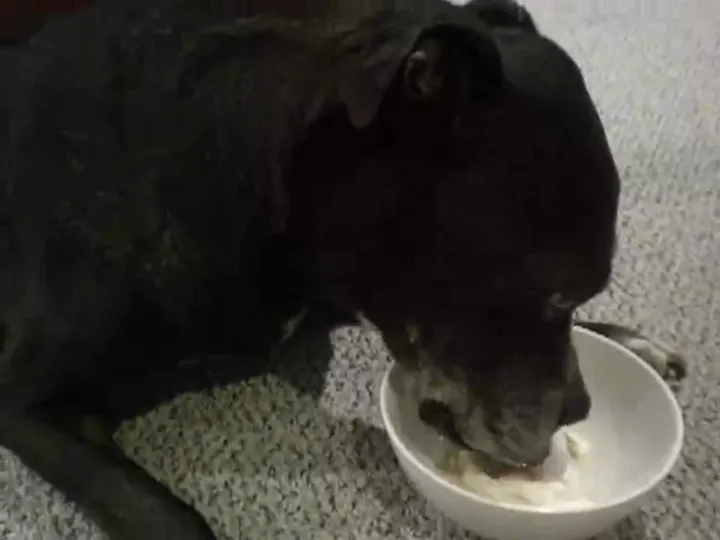
A sketch of the two looks, drawn here by your browser. The app renders its own, live, in the viewfinder. The footage is the public-domain video of a dog called Oreo that Flipcorder’s tests film.
The price
On the App Store
Your videos stay on your phone until you save or share them. The iPhone Duo features need iOS 27.1.