
The brief
A POS for thrift
KARM needed a POS tailored for the thrift industry, with integrated payment and gift card processing, that also plugged into their SaaS product, ThriftTrac™.
Client work · 2018–now · for KARM Thrift Stores
A point of sale made for the thrift industry.
KARM needed a point of sale built around the way thrift stores really work, with payments and gift cards built in, that plugged straight into ThriftTrac, the software they already sold to other stores. I built it in 2018, and eight years on I'm still building it.
 2016–nowStill maintainedThriftTracBusiness software for thrift stores, and the platform the rest are built on.Read the case study
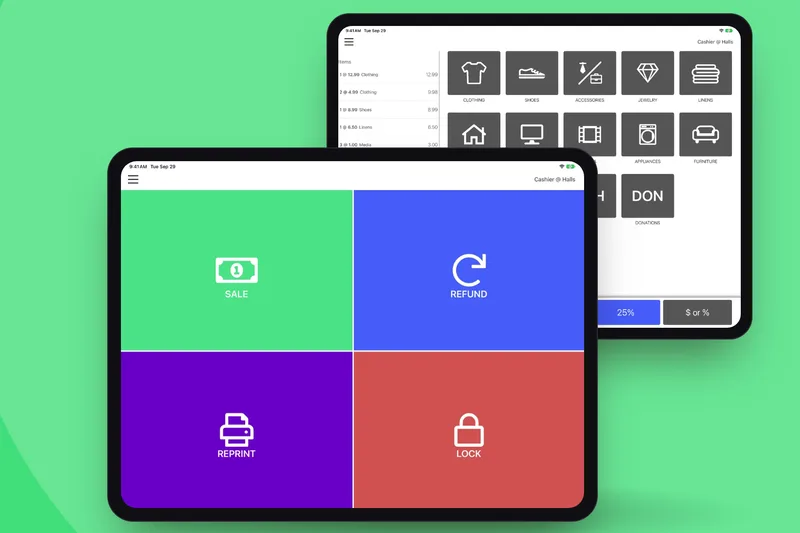 2018–now · You’re reading thisStill maintainedOnTracA point of sale made for the needs of the thrift industry, on iPad.
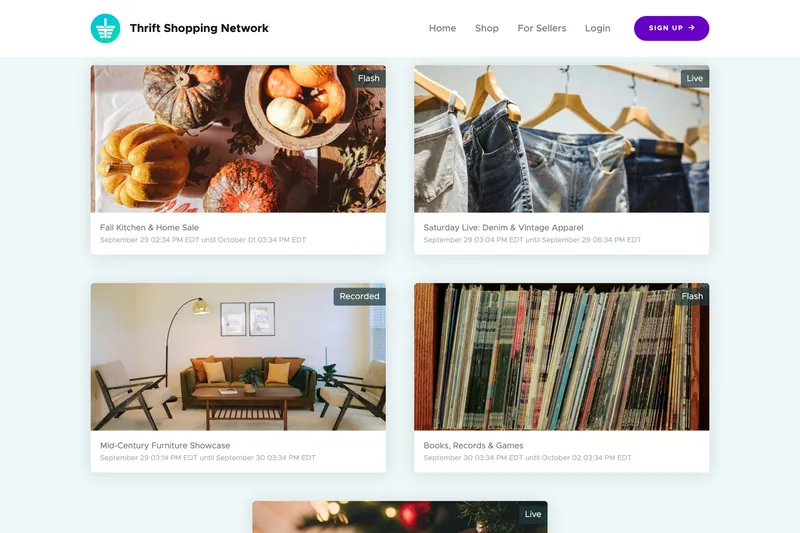 2020No longer runningThrift Shopping NetworkLive, recorded and flash sales of donated treasures online, for the 2020 lockdown.Read the case study
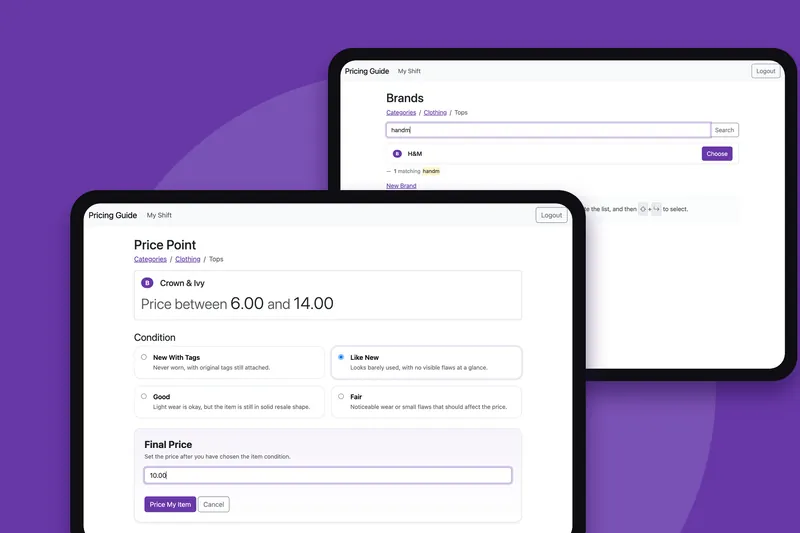 2024Still maintainedPricing GuideA shared price guide for thrift stores, on the iPads and Chromebooks in the store.Read the case study
The brief
KARM needed a POS tailored for the thrift industry, with integrated payment and gift card processing, that also plugged into their SaaS product, ThriftTrac™.
The challenge
KARM Thrift Stores, the makers of ThriftTrac™, was in need of a point of sale that met the unique challenges of the thrift industry. KARM asked for guidance in evaluating the existing solutions on the market and whether any could work for their organization, and ultimately explored creating a tailor-made platform to integrate with ThriftTrac™.
What we made
I built an iOS application for iPad that seamlessly integrated with the ThriftTrac™ platform, offered a simplified and intuitive experience for cashiers and customers, and uniquely addressed the problems competing solutions failed to solve when dealing with the thrift industry. It has been worked on every year since, through three card processors.
2018 · Discovery
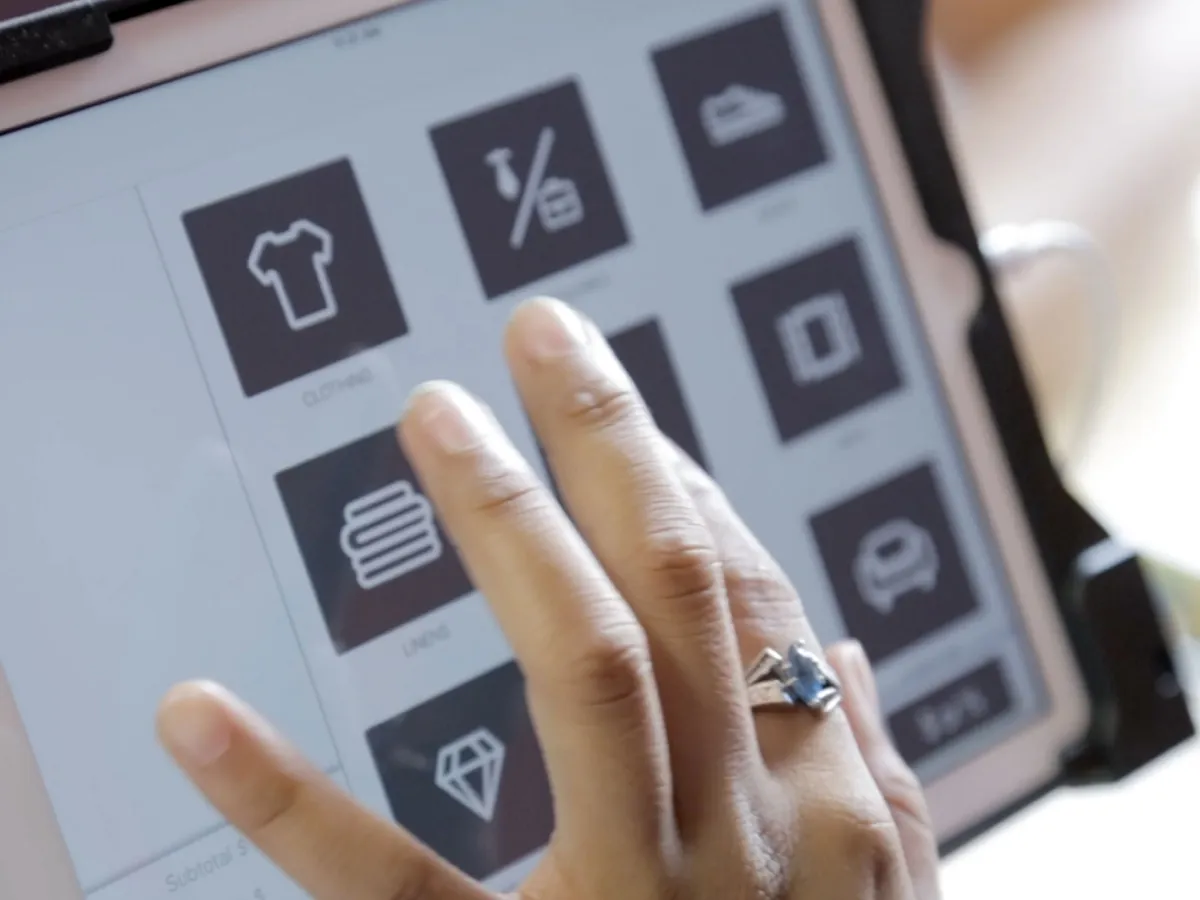
KARM approached me first to confirm that there wasn’t an existing product that fitted the unique needs of the thrift industry. Nothing did, so I set out to build a custom iPad application that tied into ThriftTrac, KARM’s software platform, and I defined the experience and the requirements for a point of sale that would suit not only KARM as an organization, but also every other customer of ThriftTrac.
KARM had little experience building software, so I walked Evan Crass and the team through the entire process, from discovery and design to development and launch.
2018 · App design
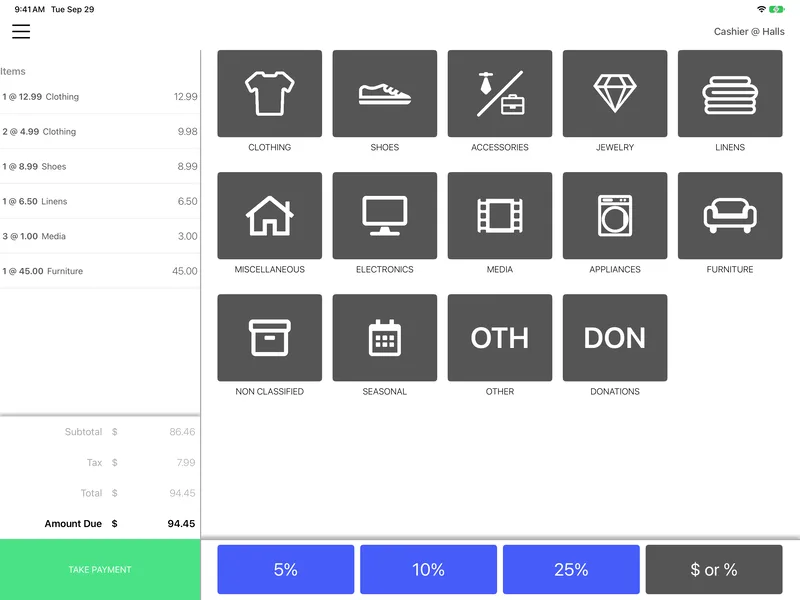
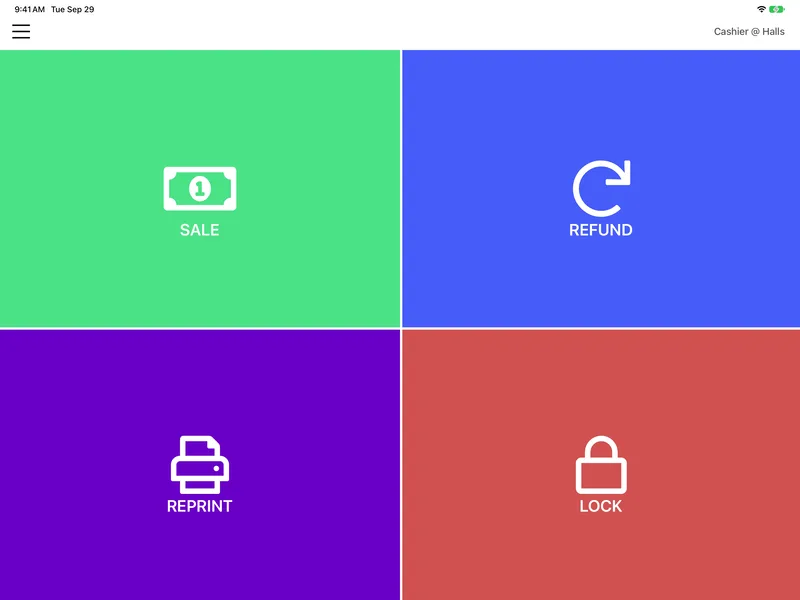
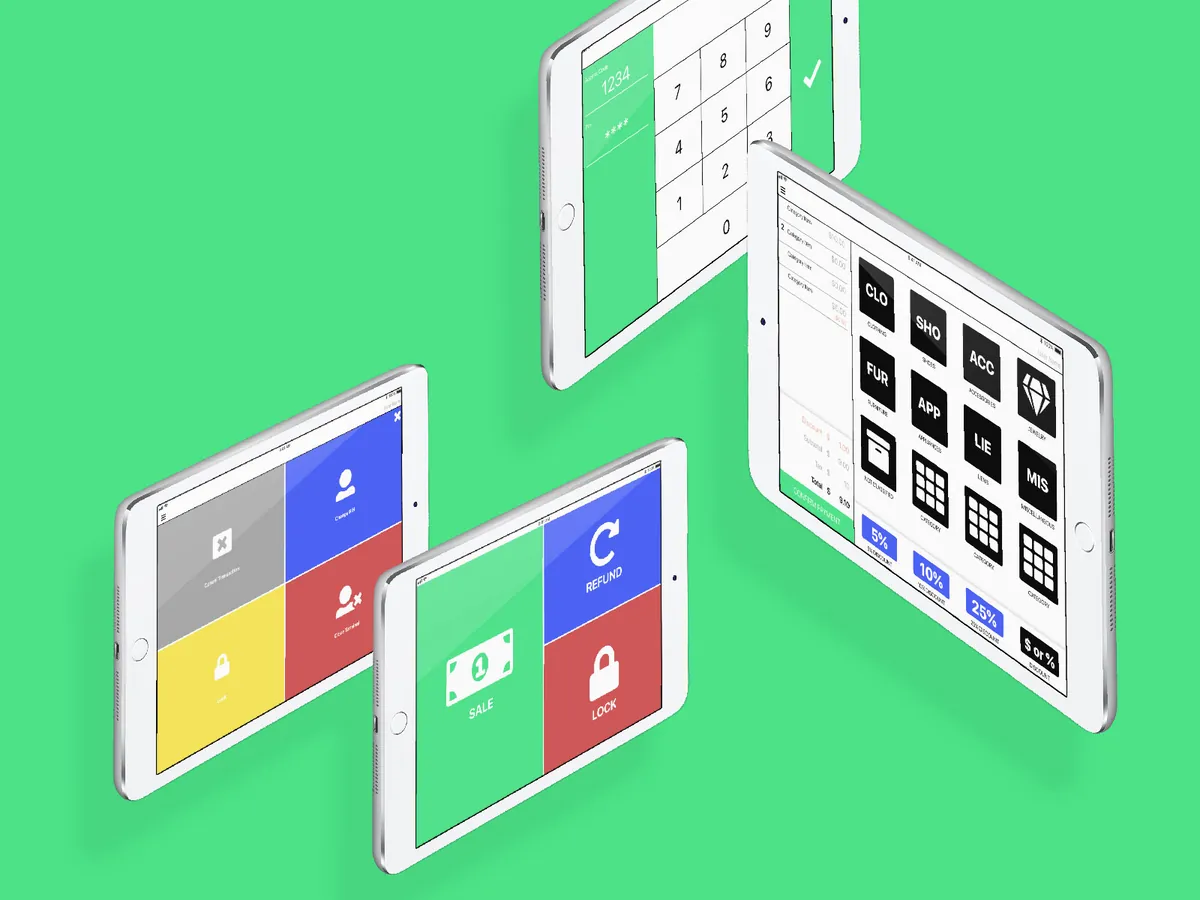
I wanted an experience that cashiers and customers alike would find intuitive and pleasant, and that would keep the checkout fast. So the design has large buttons, bright, high-contrast colors, full-screen messages and a guided workflow, all to lower the training threshold for a cashier who may be a volunteer on their first shift.
It had to feel quick rather than cumbersome, while still supporting a variety of configuration options and even different iPad sizes.
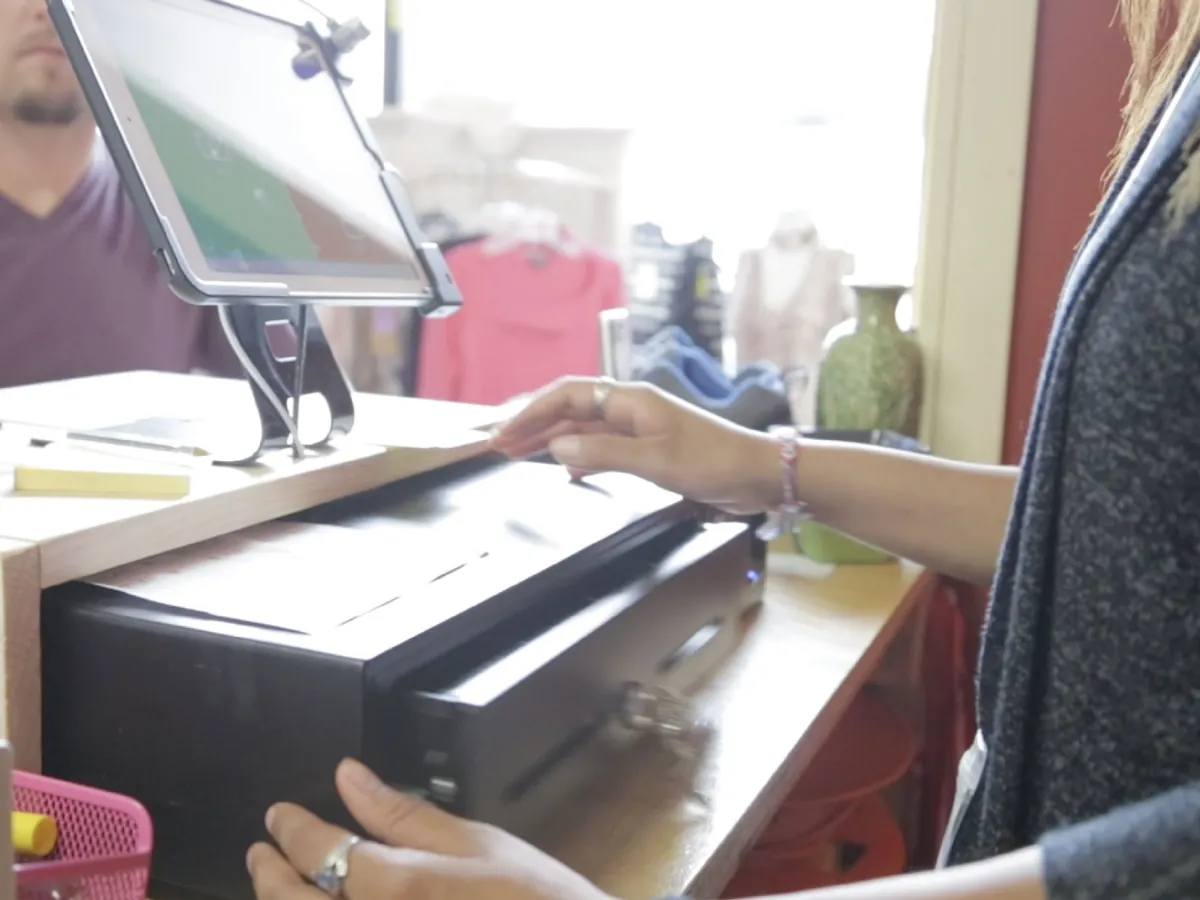
2018 · Development
With a focused user experience defined by detailed user stories and high-resolution interactive designs, I delivered builds of the native iPad app, written in Apple’s Swift, to KARM as quickly as features were completed. The API it talks to was started in March 2018 and the app itself in May, and I announced OnTrac Point of Sale that September.
Delivering builds continuously meant I heard from KARM often and quickly, and could adapt to the tweaks and scenarios that discovery hadn’t turned up.
“We’re not software developers, and so it helps to have someone tell us how to make all the pieces fit together. We had an idea of what we needed, but they made it a reality, and that was the beauty of our partnership.”
2018 · The web app and the API
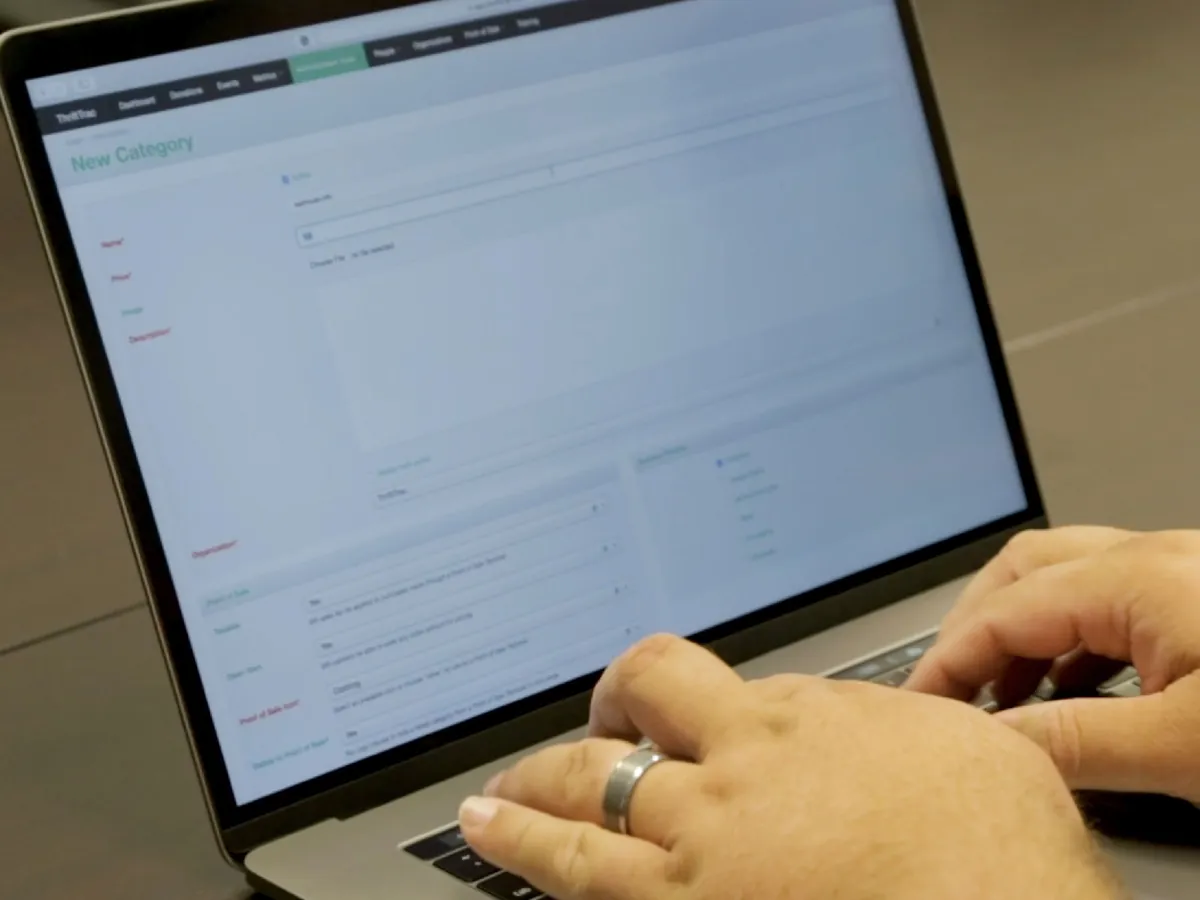
KARM markets ThriftTrac to thrift stores across the country to manage and analyze their performance, in an industry that is very data-poor. Offering OnTrac as a feature for existing ThriftTrac customers meant building on an existing customer base and on the data collection already in place, and gave store managers and executives one streamlined workflow.
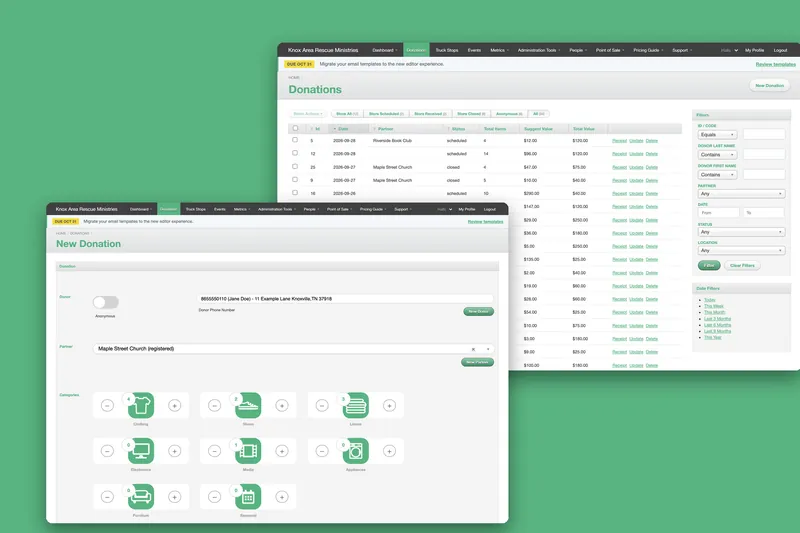
I added functionality to the ThriftTrac web application, so that management can configure the POS to fit their organization and see live transactions and metrics. I also built an entirely new mobile API for the iPad app to talk to ThriftTrac with, so that I could scale and deploy it separately from the main web app. It runs on the same engine as ThriftTrac itself, which the ThriftTrac case study tells.
2018 · Launch
I worked closely with KARM to research hardware options for cash drawers, payment processing and receipt printers, and to advise on how they could deploy a large fleet of devices to their stores using Mobile Device Management (MDM) and the Apple Volume Purchase Program (VPP).
OnTrac launched in 2018 without card payments. They were always on the roadmap, and I began work on them straight after launch, with Heartland Payments. The cashier could then sell store gift cards, redeem them, and take credit and debit cards, and store managers had much less end-of-day paperwork and reconciliation to do. It was all configurable, down to letting an organization opt out. Three months in, I wrote up the lessons from adding it.
2018 to today
I started the iPad app in May 2018, and I’m still adding to it. The first two years were the busiest, building it and then putting the card payments in. After that came the odd feature, like manager approval for discounts and a round-up donation at the till in 2020, and otherwise keeping up with Xcode, iOS and the libraries underneath it.
2024 brought more work on BridgePay and a move of the app’s dependencies to Swift Package Manager, and 2026 the third card processor and everything that came with it. It keeps running on the iPads and printers KARM’s stores first bought for it.
2018 · 2022 · 2026
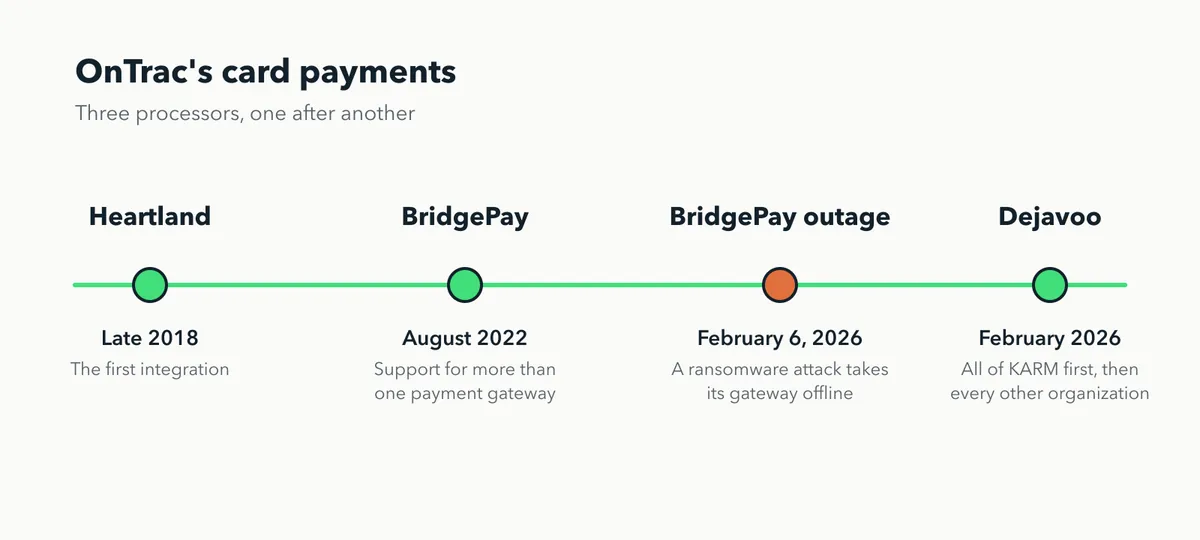
OnTrac has taken cards through three processors, one after another. Heartland came first, in the months after launch. In August 2022 I added BridgePay, which meant refactoring the iPad app and some of the API so that OnTrac could work with more than one payment gateway, each organization set up for the one it uses.
That groundwork is why the third was easier. I had started on Dejavoo in the last week of January 2026, and on 6 February a ransomware attack took BridgePay’s gateway offline across the US, so most of the organizations using OnTrac couldn’t take cards at all. Dejavoo went straight to the top of the list, and the whole story is on the blog.
Step through the three terminals here.
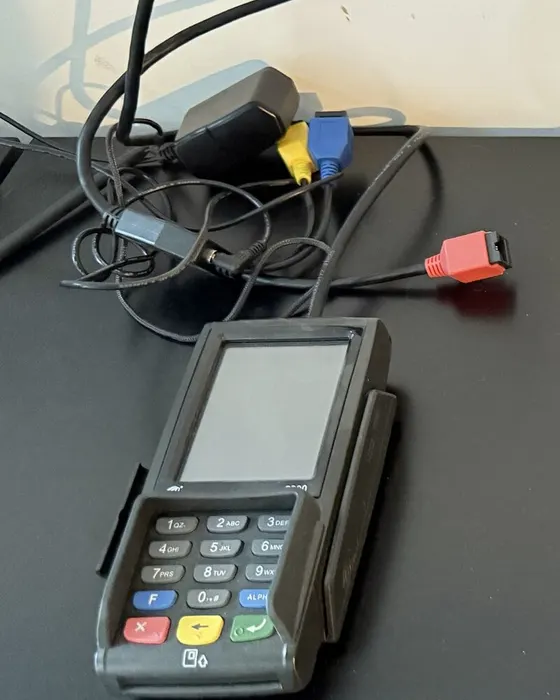
The terminal was wired to the store’s network, and the iPad found it by its IP address and talked to it directly.
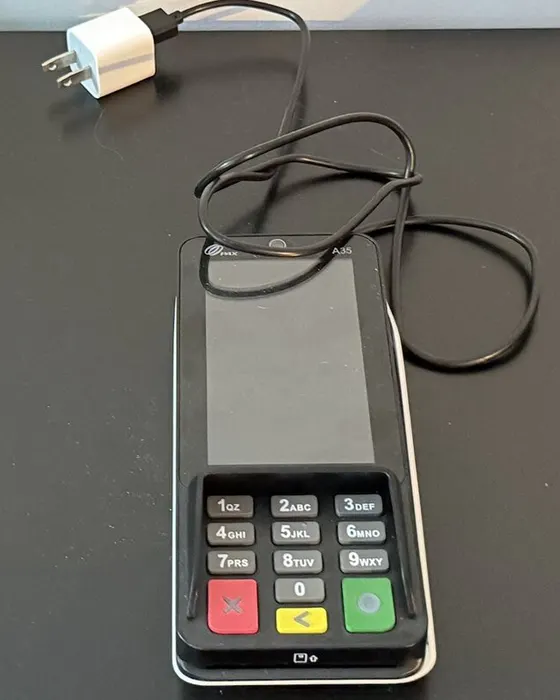
A generic terminal, built to work in any industry that takes cards, with hundreds of options that made it very hard to configure properly.
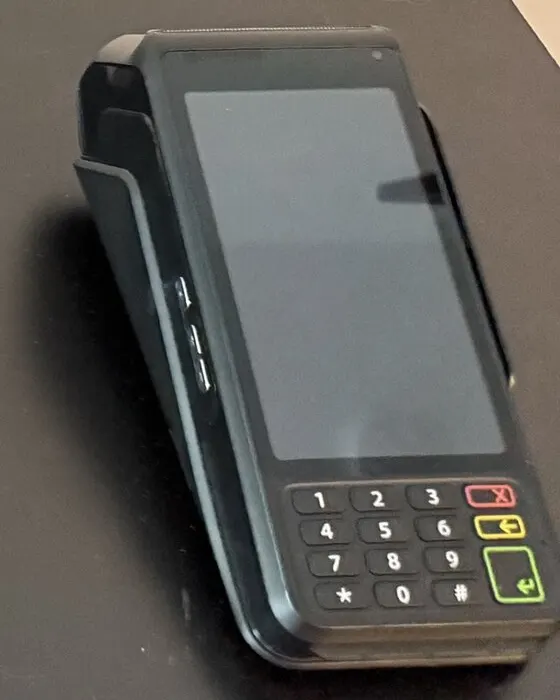
Dejavoo makes the terminal and the software behind it, so a store’s terminal arrives configured the same way as every other. It has a battery, and it needs only Wi-Fi.
2026 · The rollout
Each organization now has its own Dejavoo configuration in the API, and the iPad reads it for the location it’s signed in to. I began with a single KARM store, and because of the outage I enabled it for all of KARM’s stores much faster than I normally would have. The other thrift store chains and their locations across the country followed shortly after.
The main problem wasn’t the software. It was getting enough Dejavoo terminals quickly enough: sourcing them, getting them in, configuring them, and shipping them back out to stores overnight. OnTrac and the platform it belongs to help hundreds of thrift stores take millions of dollars in card payments, so when they stop working it matters to a lot of people quickly.
Receipts
Receipts and cash drawers run through Star printers, and the cash drawer opens through the printer it’s plugged into. The receipt is drawn as a bitmap the width of the paper, because a narrower one left a printer clipping its left edge, and the app waits for the printer to be ready and for the drawer to open before it prints anything.
Most of the care here is for the things that go wrong mid-sale. If the printer reconnects halfway through a receipt, the app ignores the stale “online” messages that arrive after it, instead of crashing, and if the receipt can’t be uploaded the cashier is held on a retry before choosing how the customer wants it.
The cashier’s day
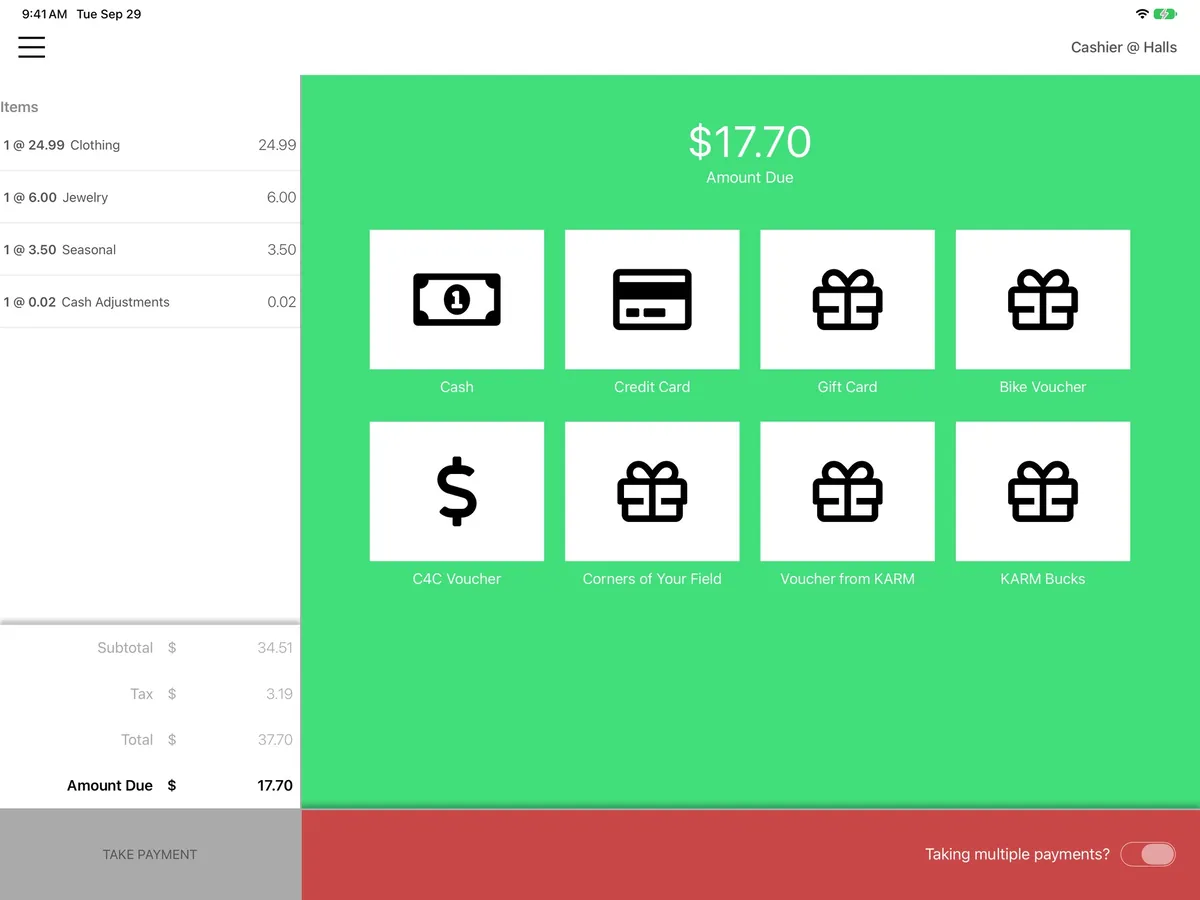
The cash drawer has two jobs in a sale: putting the customer’s cash in, and giving change back. The drawer can be asked to open at two moments too, on the payment screen and again once the whole sale is paid, and the second is easy to mistake for the first. The flag that asks for it means “this payment screen never opened the drawer,” not “this payment was cash.” I wrote every case out in plain language, with flow diagrams, in the app’s own docs, from a customer paying the exact amount in cash, where the drawer opens once and there is no cash back screen, to change owed, where a blue screen keeps the amount up until the cashier has finished making it.
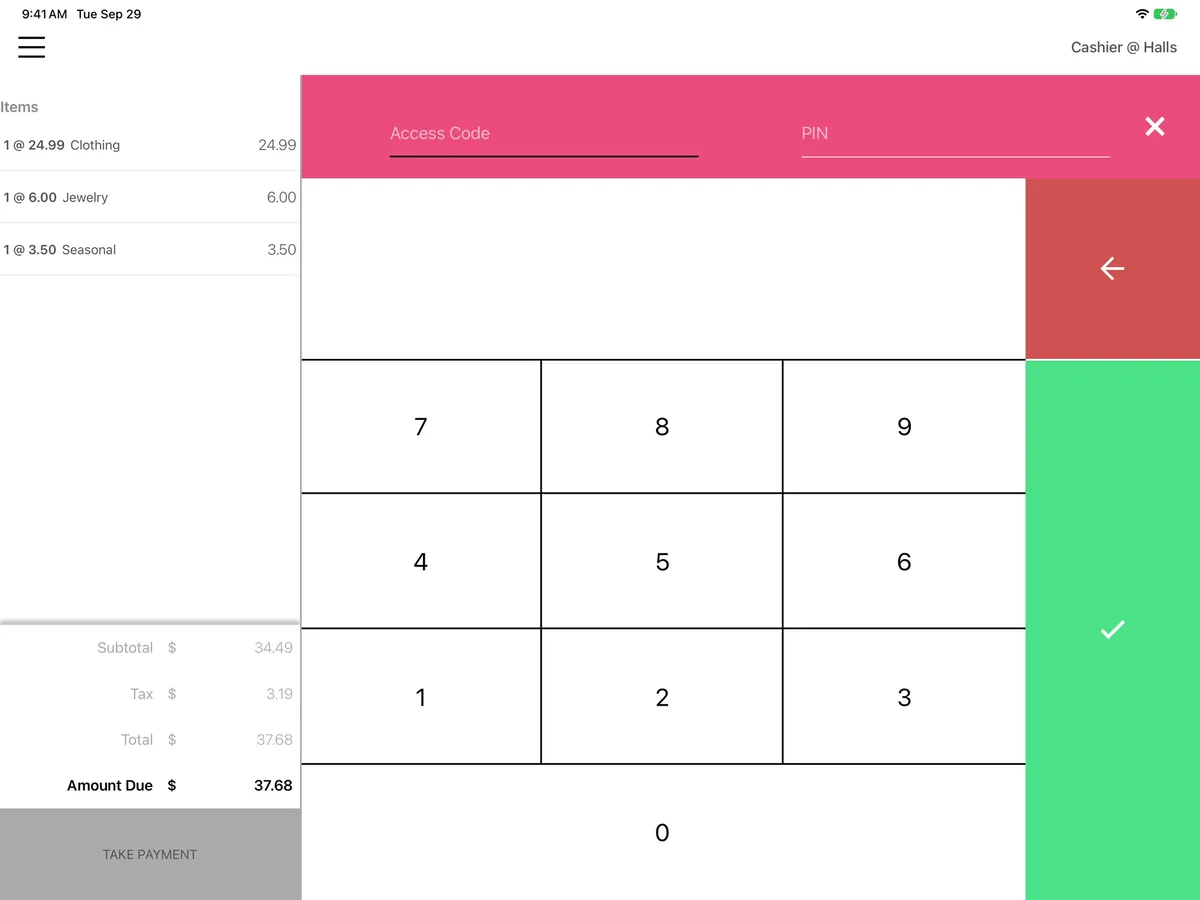
Around that sits the rest of a till’s day. Some payment methods need a manager, who signs in over the cashier with their own code and PIN to approve them. A manager can take over another cashier’s drawer, but not without a location, and unlocking a drawer that wasn’t opened today asks for a deliberate OK. A sale can be split across tenders, with cash rounding that no longer strands a split sale, and a discount can be applied by category. The keypad, the PIN screen and the card result each give a small haptic tap, so the cashier can tell what the iPad did without looking at it.
Today
Here is a cash sale on the iPad app as it is today, screen by screen, from the first item to the thank-you. Tap the screen, or a step, to move through it.
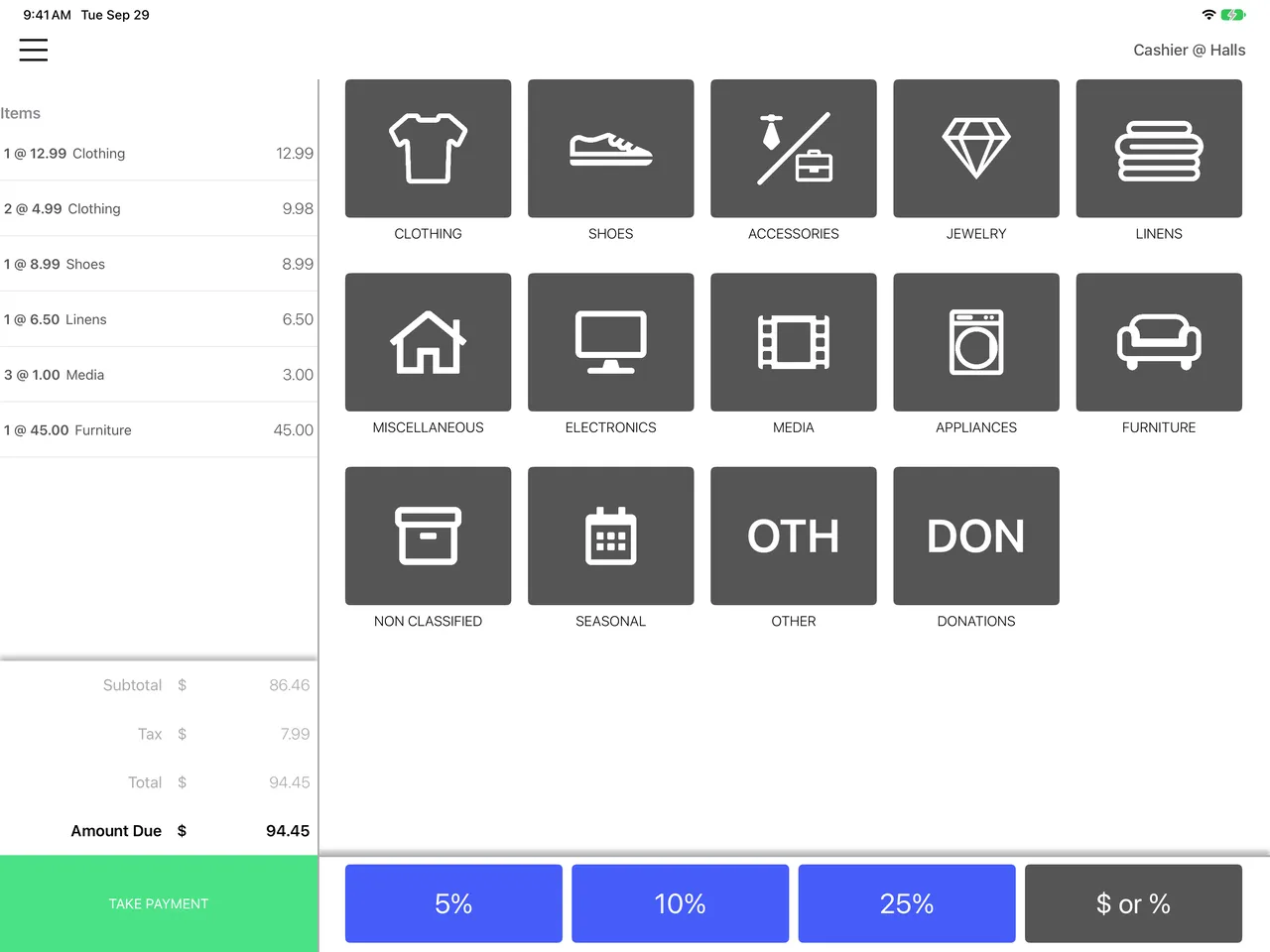
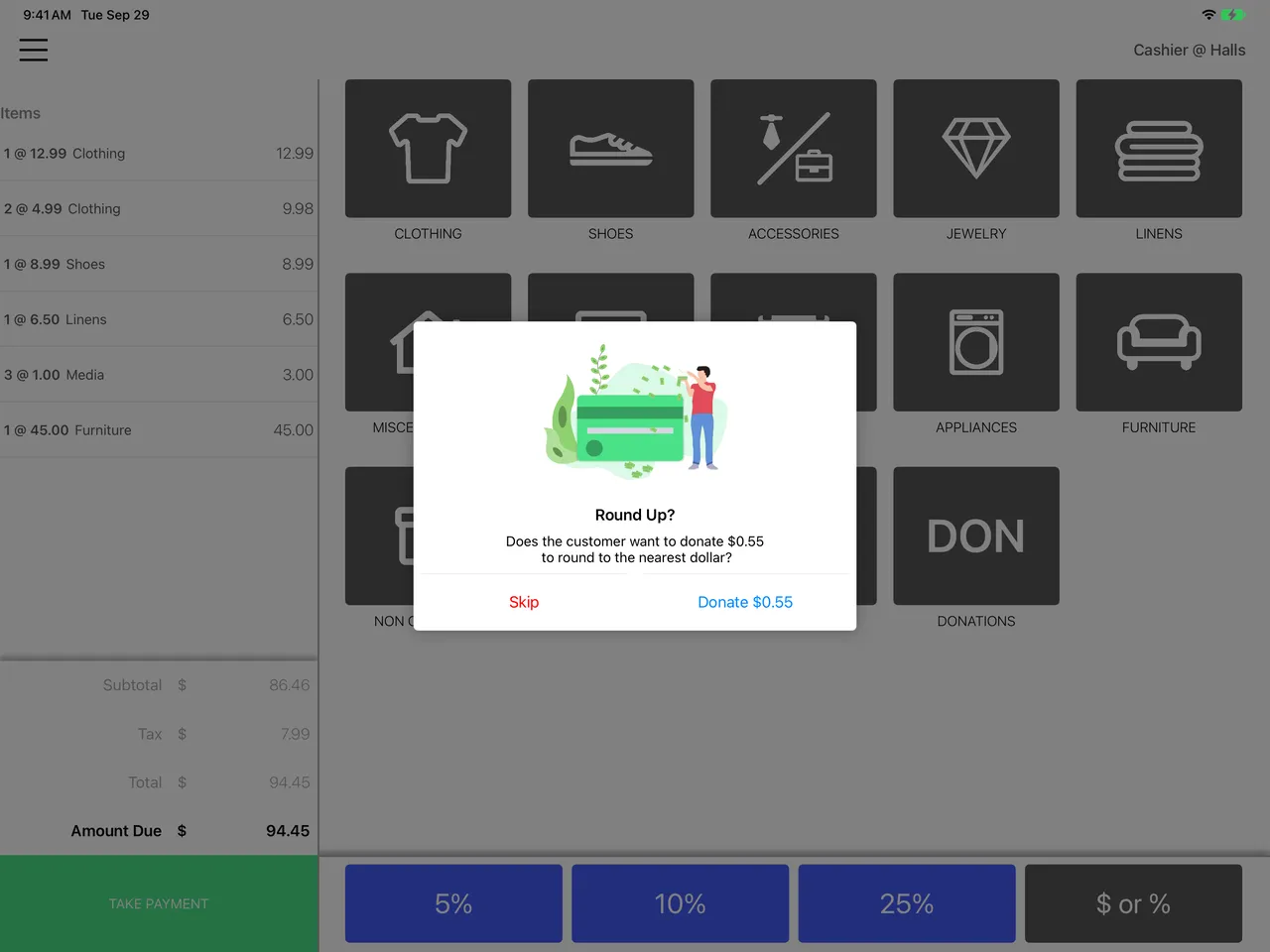
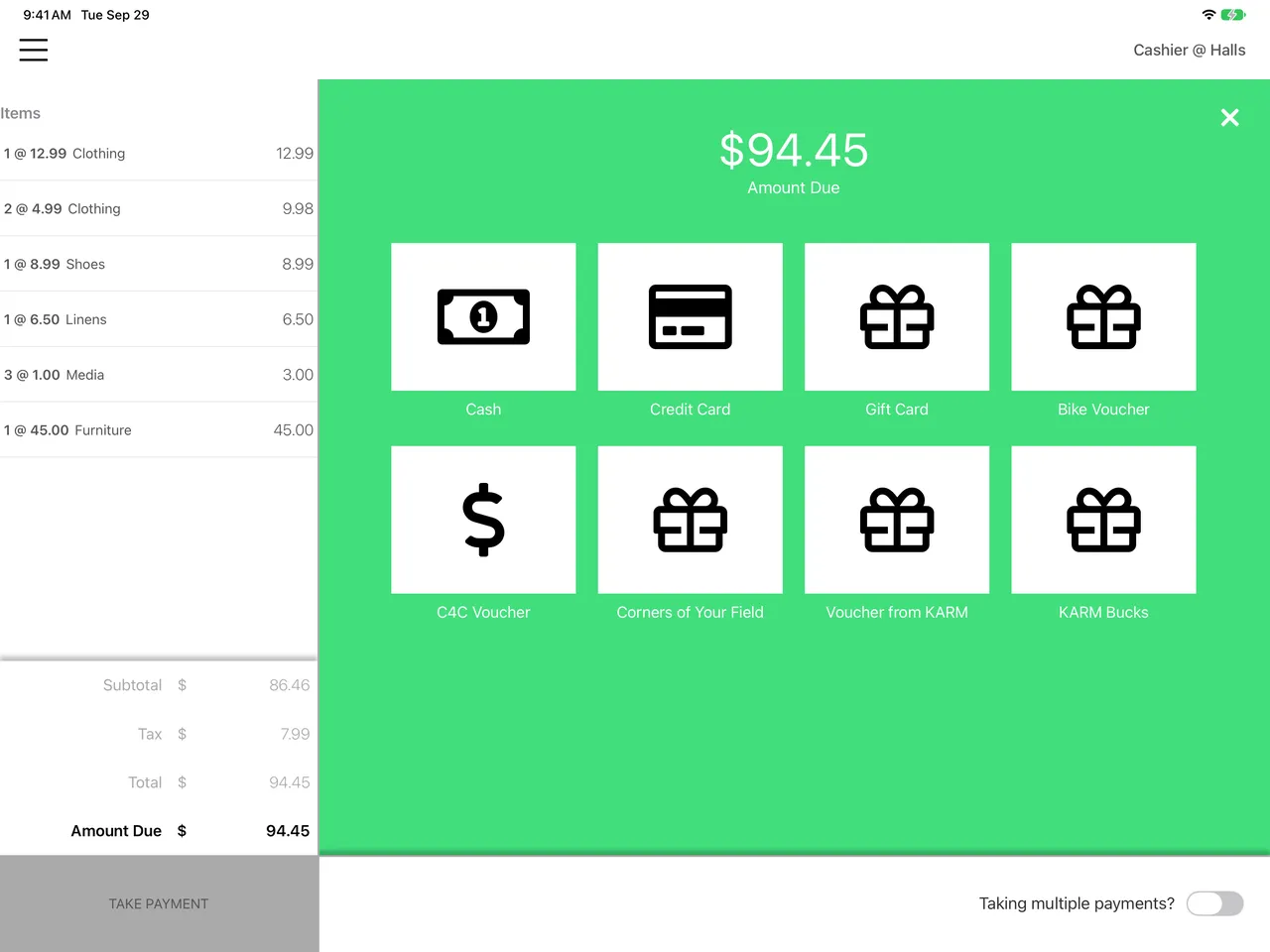
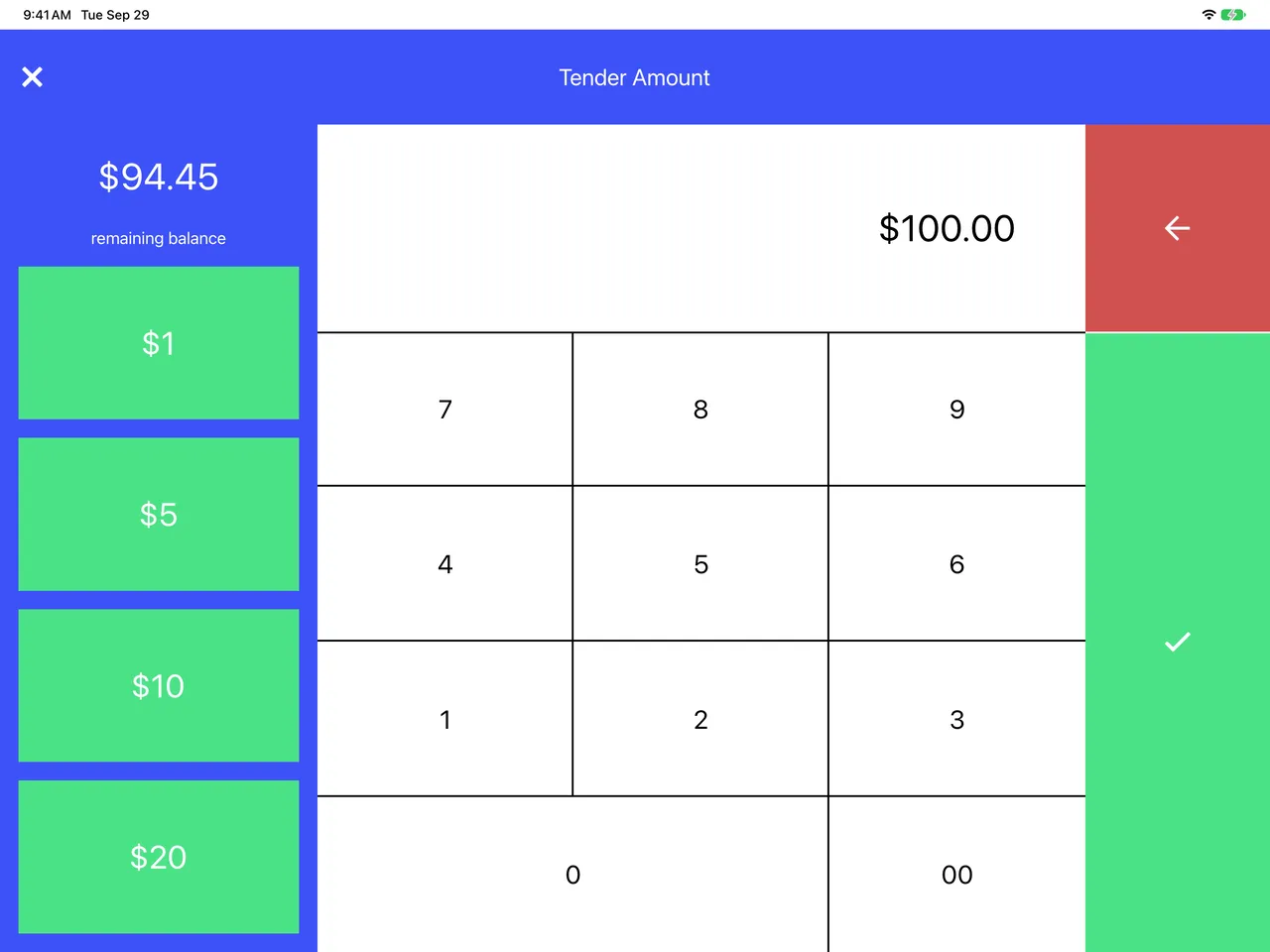
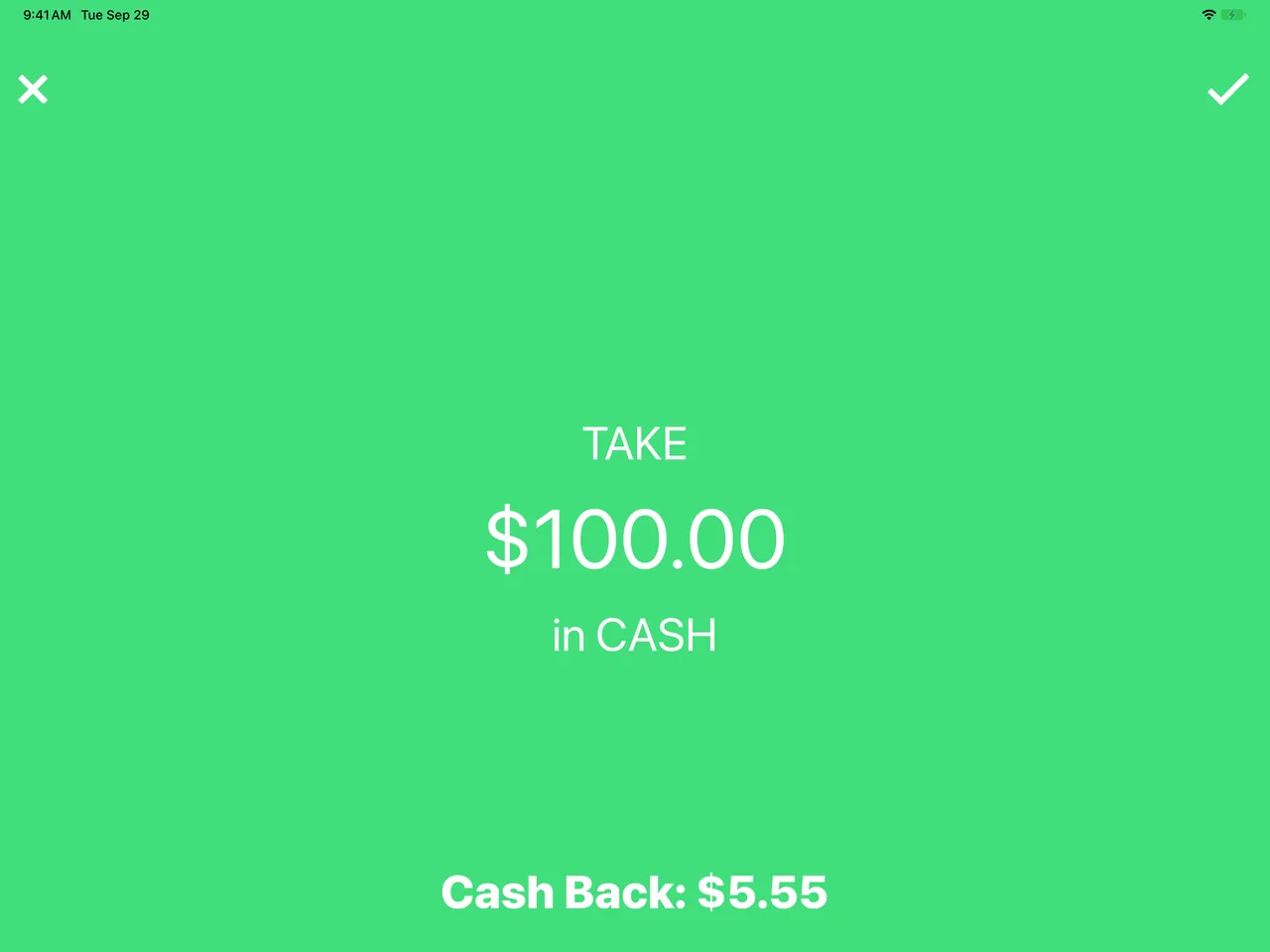
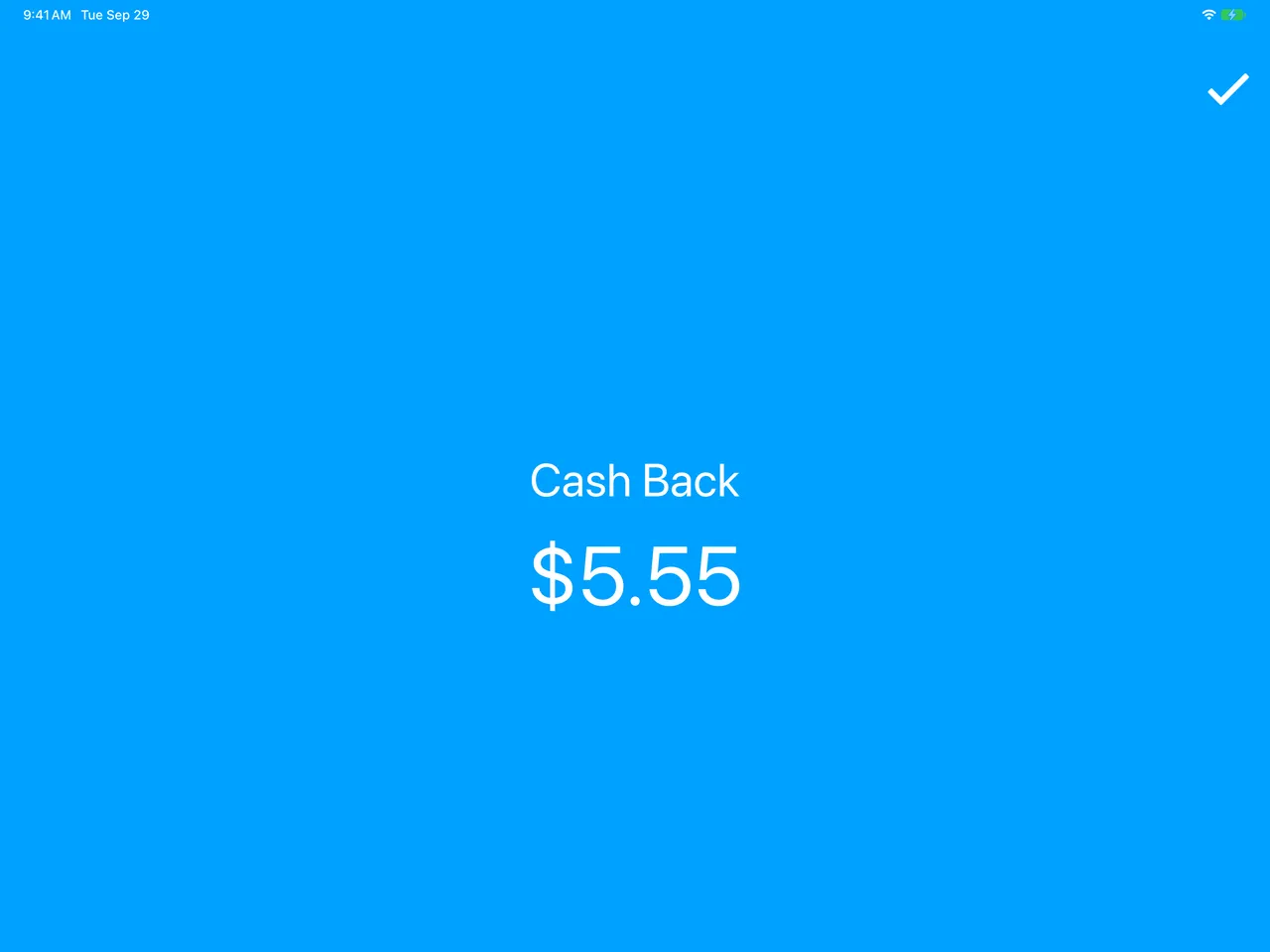
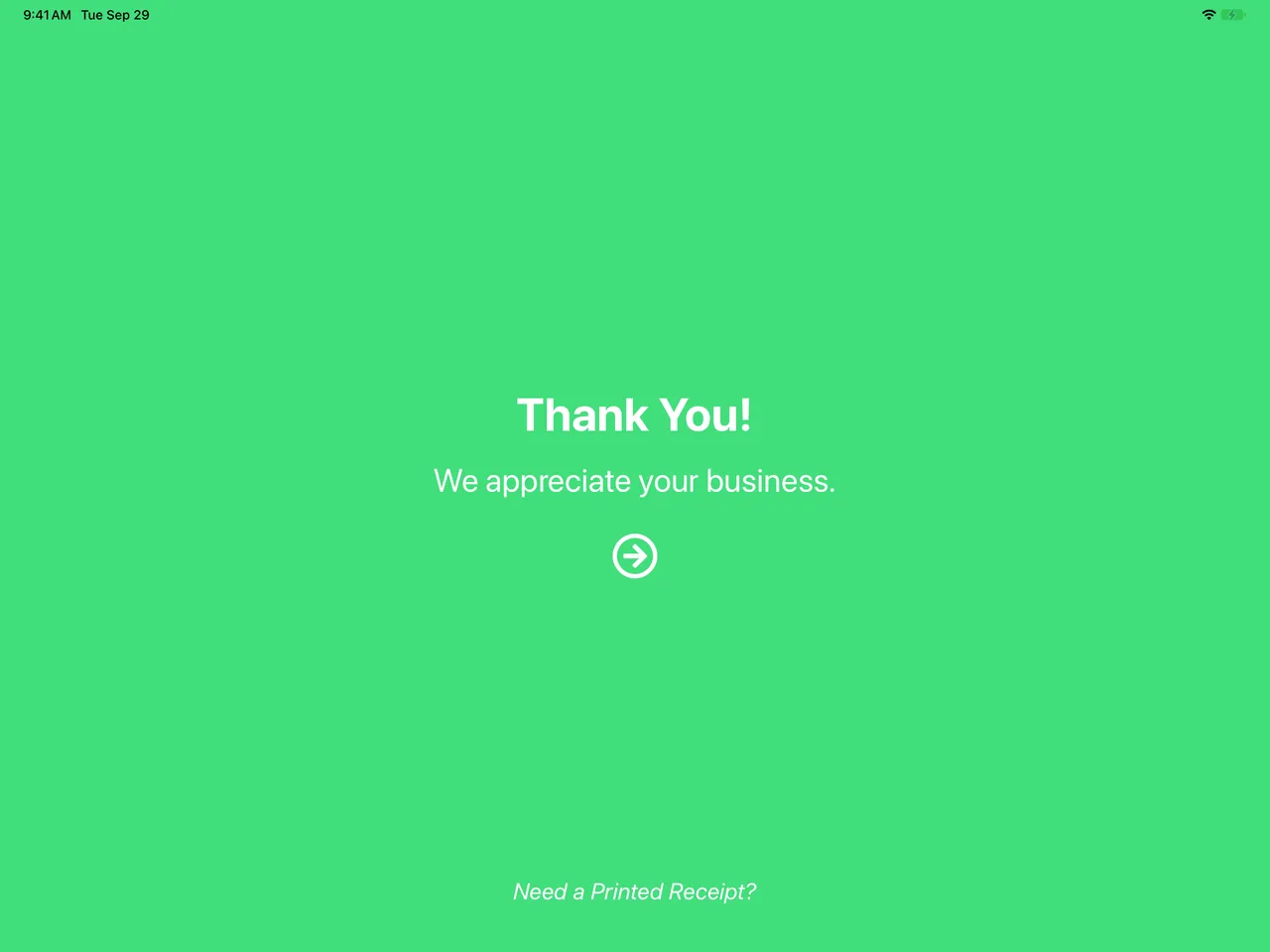
Each cashier signs in to the till with their own code and PIN, a manager can step in to approve what needs a manager, and every sale stays with the cashier and the store that made it.
The sums a point of sale can’t get wrong, from purchases, refunds and discounts to the card terminal’s answers, are covered by automated tests that run on every change, so the app can keep changing without putting anyone’s money at risk.
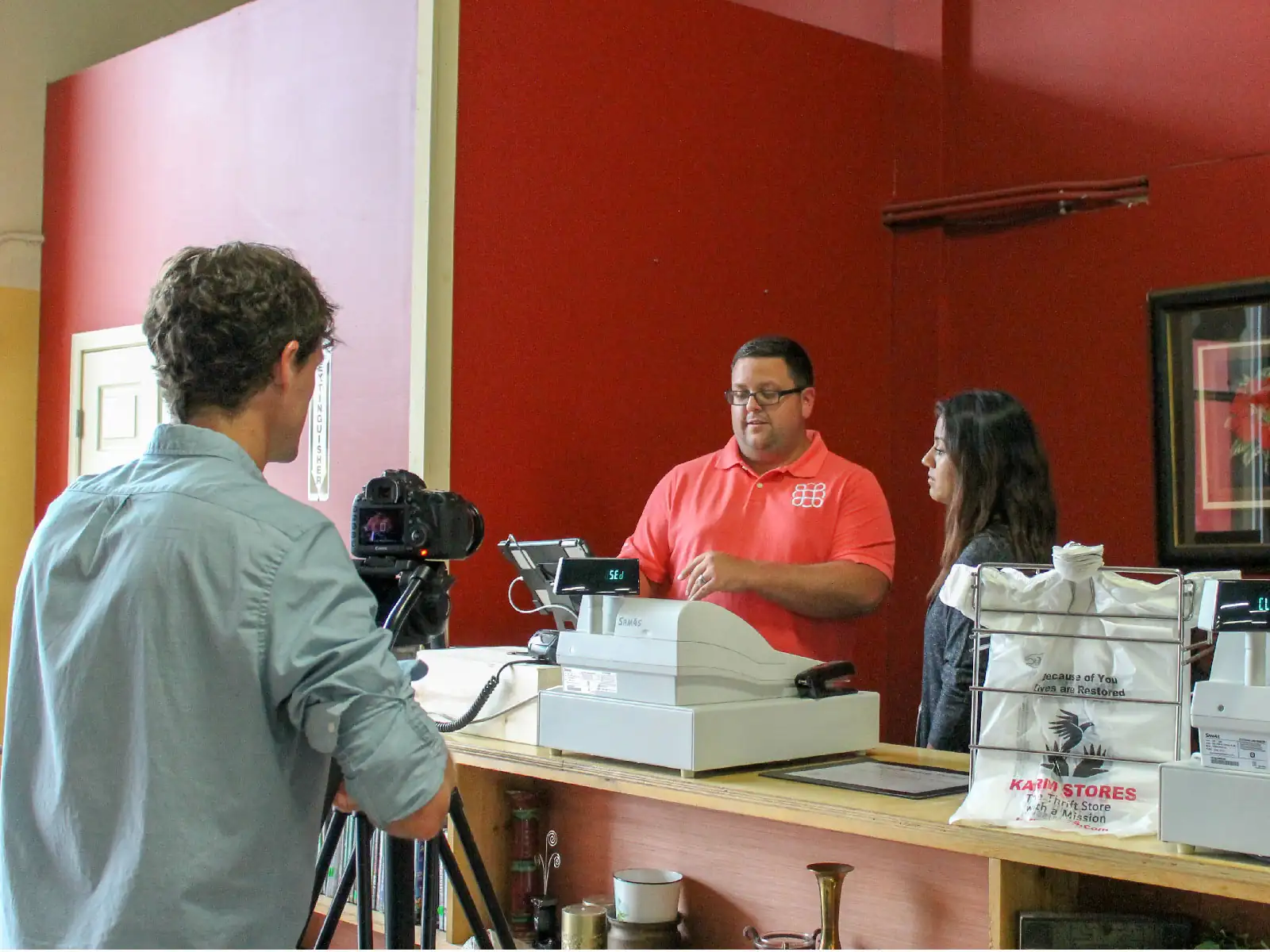
Delivery runs on fastlane, and everything from a release onwards is automated: each build is signed, built and sent to TestFlight on its own, and out to external testers, so feedback comes in from the people using it. I’ve set it all up to be as streamlined as possible, which means that even with only a small part of my time on OnTrac, KARM still gets the experience of working with a professional, enterprise-level software development firm.
More for KARM Thrift Stores
2016 to 2024
Still maintainedThriftTracBusiness software for thrift stores, and the platform the rest are built on.
Read the case study
Still maintainedOnTracA point of sale made for the needs of the thrift industry, on iPad.
You’re reading this
No longer runningThrift Shopping NetworkLive, recorded and flash sales of donated treasures online, for the 2020 lockdown.
Read the case study
Still maintainedPricing GuideA shared price guide for thrift stores, on the iPads and Chromebooks in the store.
Read the case study