Client work · 2016 · for Project Boss

Project Boss Mobile App

Designs for a mobile application focused on providing key functionality to users on the go.

The work
Design
With
Adobe Illustrator
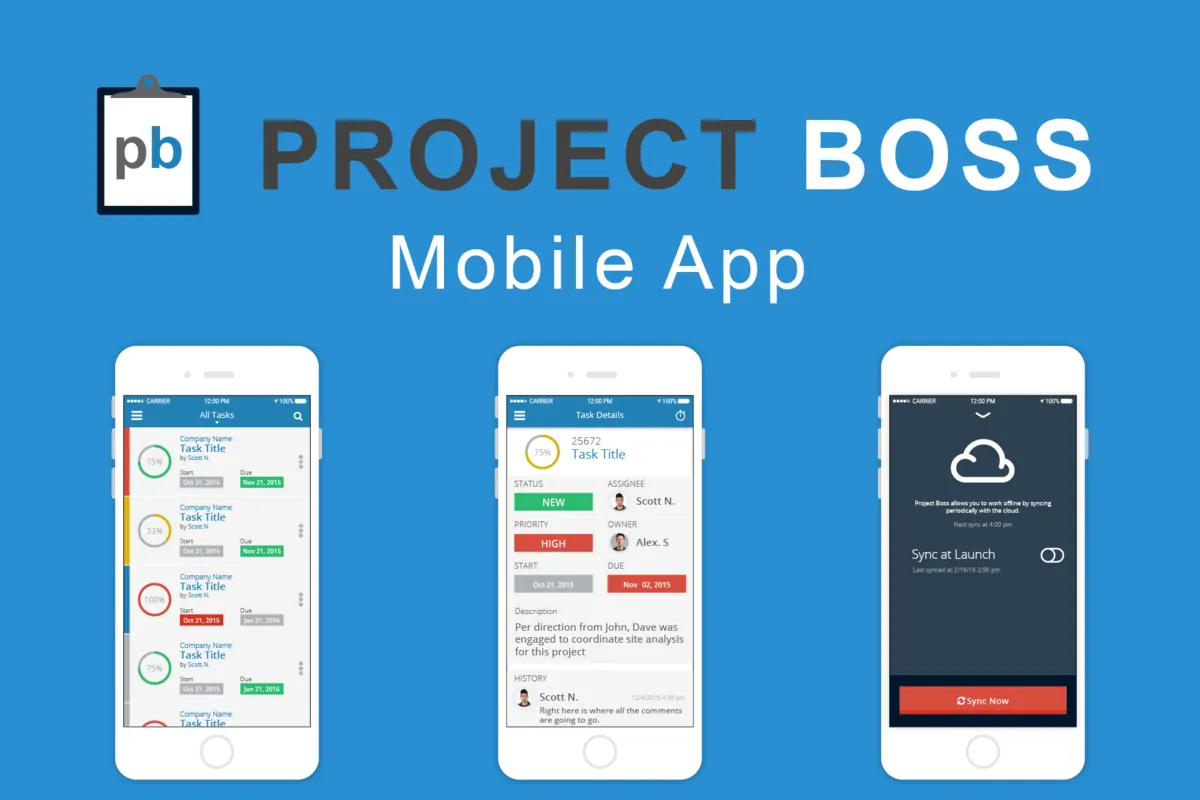
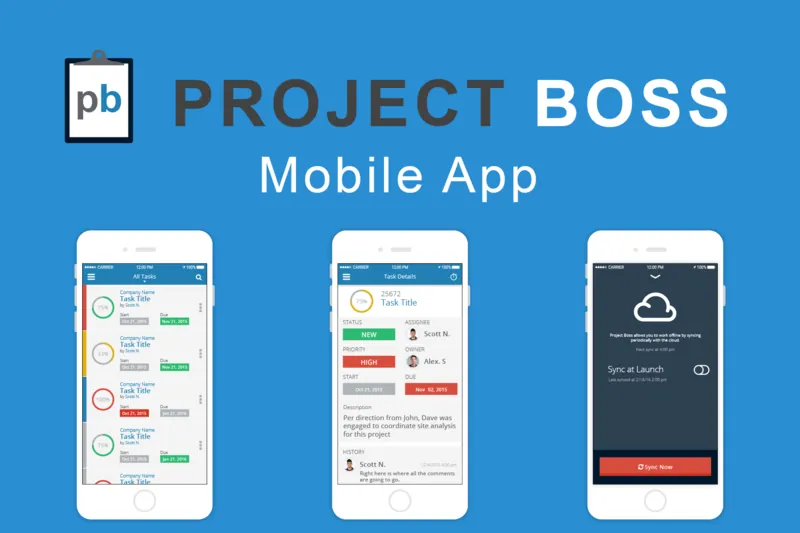
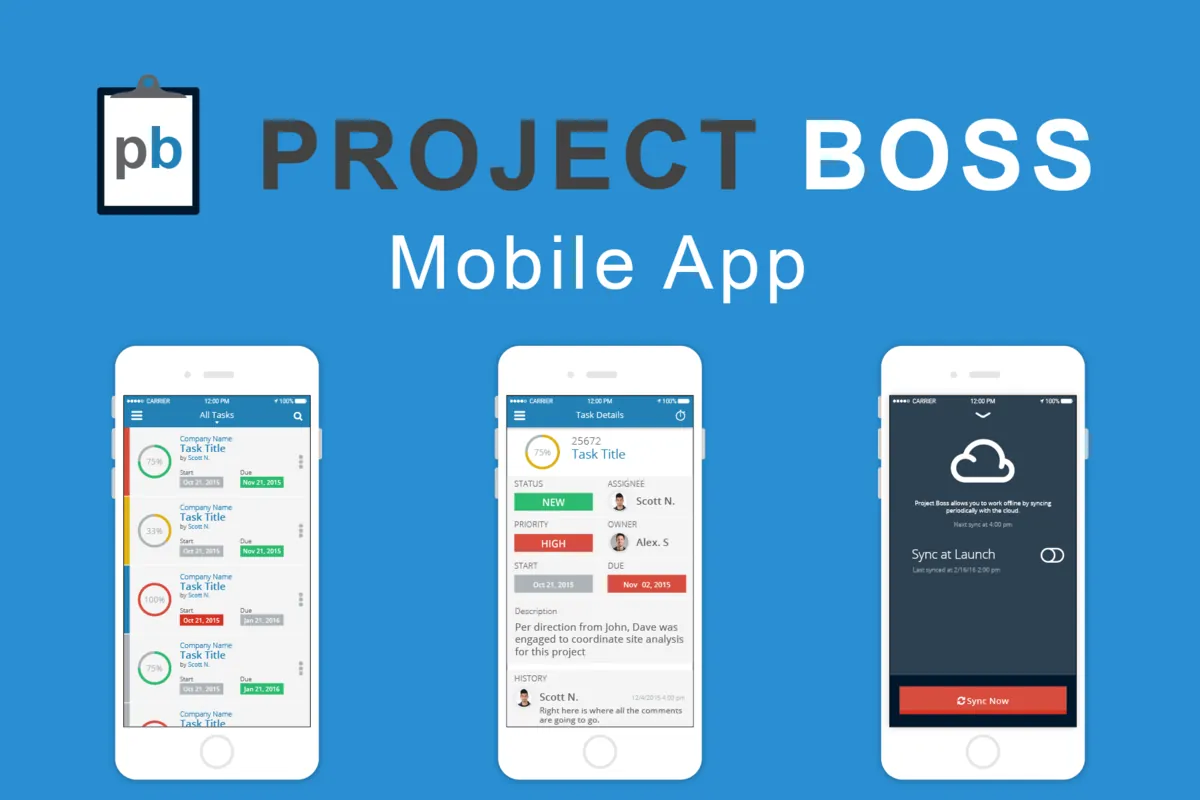
Project Boss Mobile App, above three iPhones showing a task list, a task and cloud sync, on blue.

Two projects for Project Boss · since 2014

  1. 2014Project BossProject management, HR and invoicing, on the web.Read the case study
  2. 2016 · You’re reading thisProject Boss Mobile AppDesigns for a mobile app for construction crews, to manage tasks and projects from the field, even offline.

The challenge

After creating the powerful Web App for Project Boss our client came back and wanted a solution for all of their employees out on the construction sites. The client needed a mobile app allowing users in the field to quickly perform tasks, even while offline.
What we made

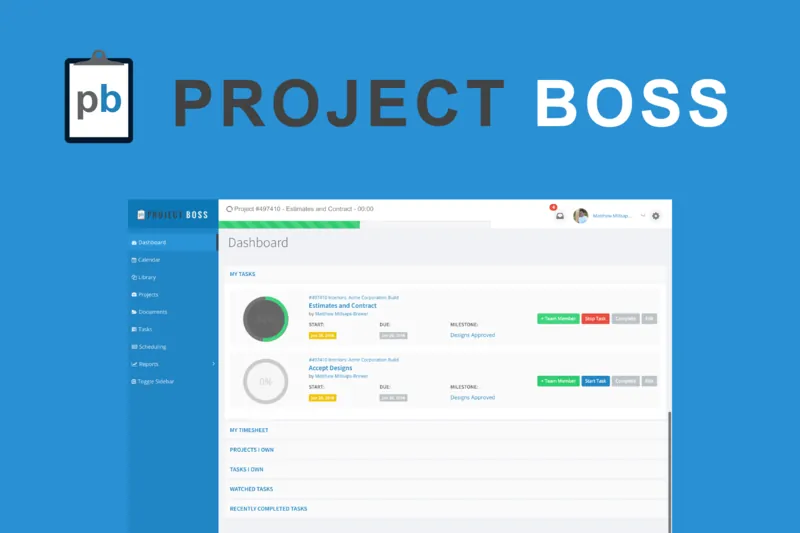
We went through the Web App gathering the features we were bringing to mobile. We listed out the information that was need for each item such as a task or a project and thought about how this could be laid out to maximize the use of screen but still convey all the information clearly.

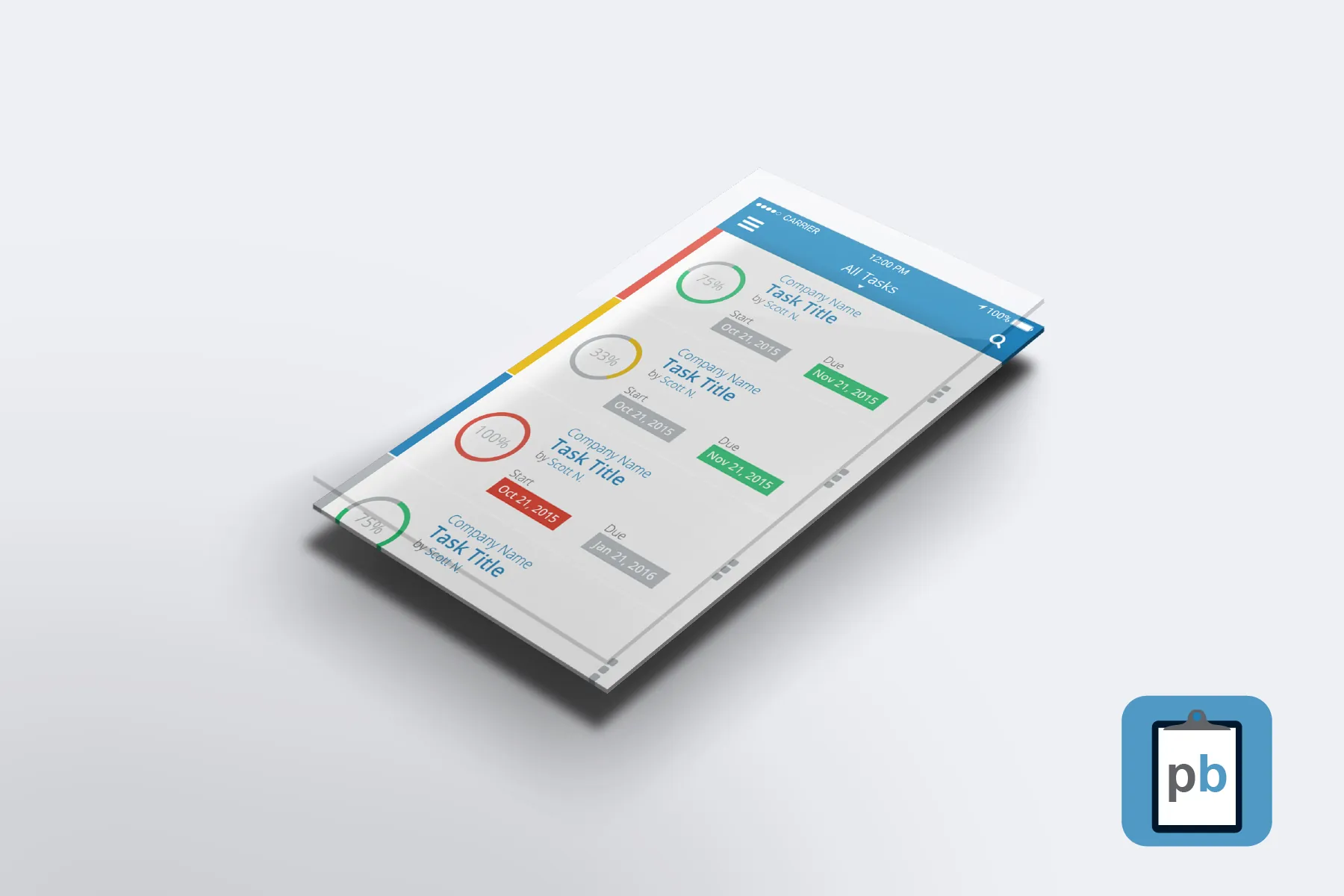
The Project Boss mobile app's All Tasks list, with progress rings and start and due dates, beside the app icon
Project Boss Mobile App: three phones showing the task list, a task detail screen and the cloud sync screen

The Design

Our main focus was to create something that looked and worked similar to the Web App but was intuitive on the user's mobile device.

The layout and colors make it quick for the user to see what projects are past due and need attention and how close to things are being done.

We purposefully used a high contrast color scheme to make it easier to see in outdoor lighting.

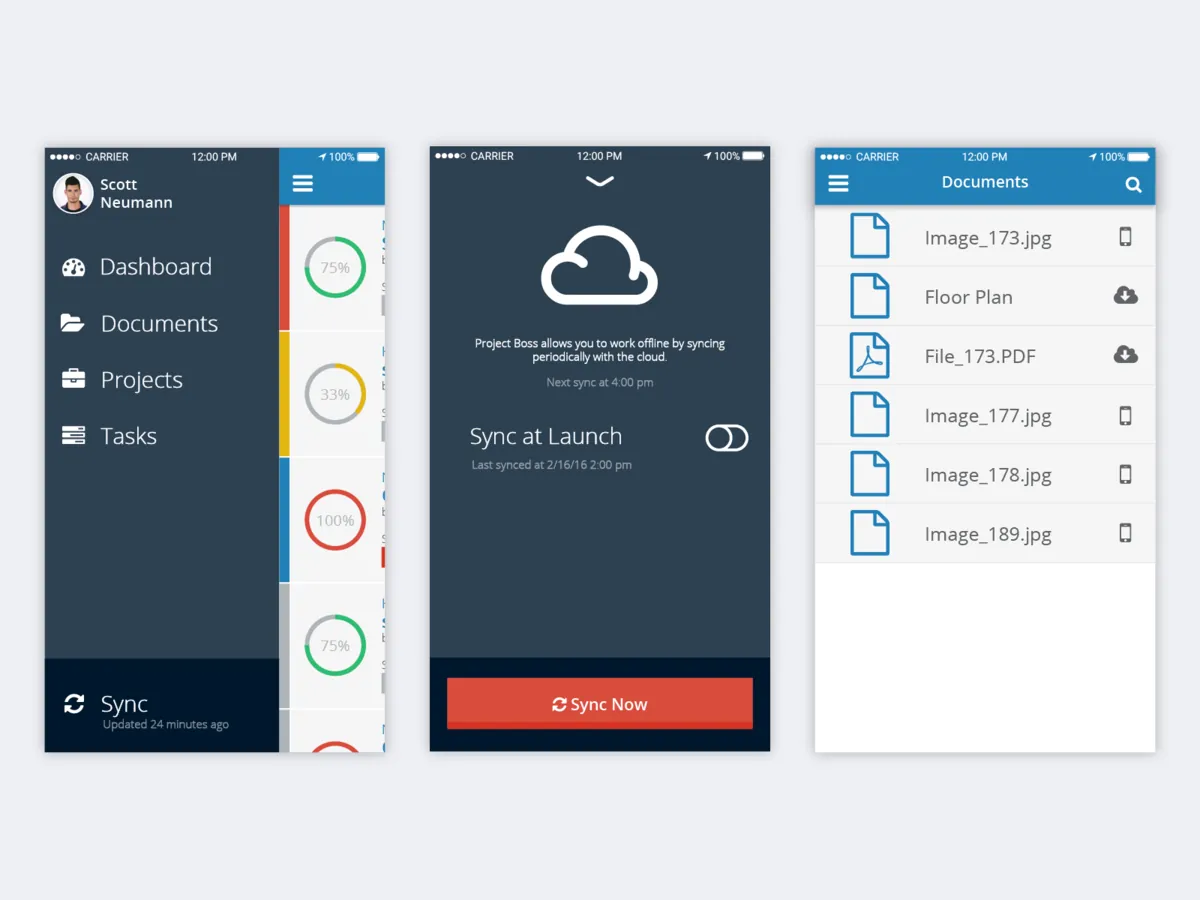
Three Project Boss screens: the side menu with Sync, the sync screen with a Sync Now button, and a Documents list

Cloud Sync

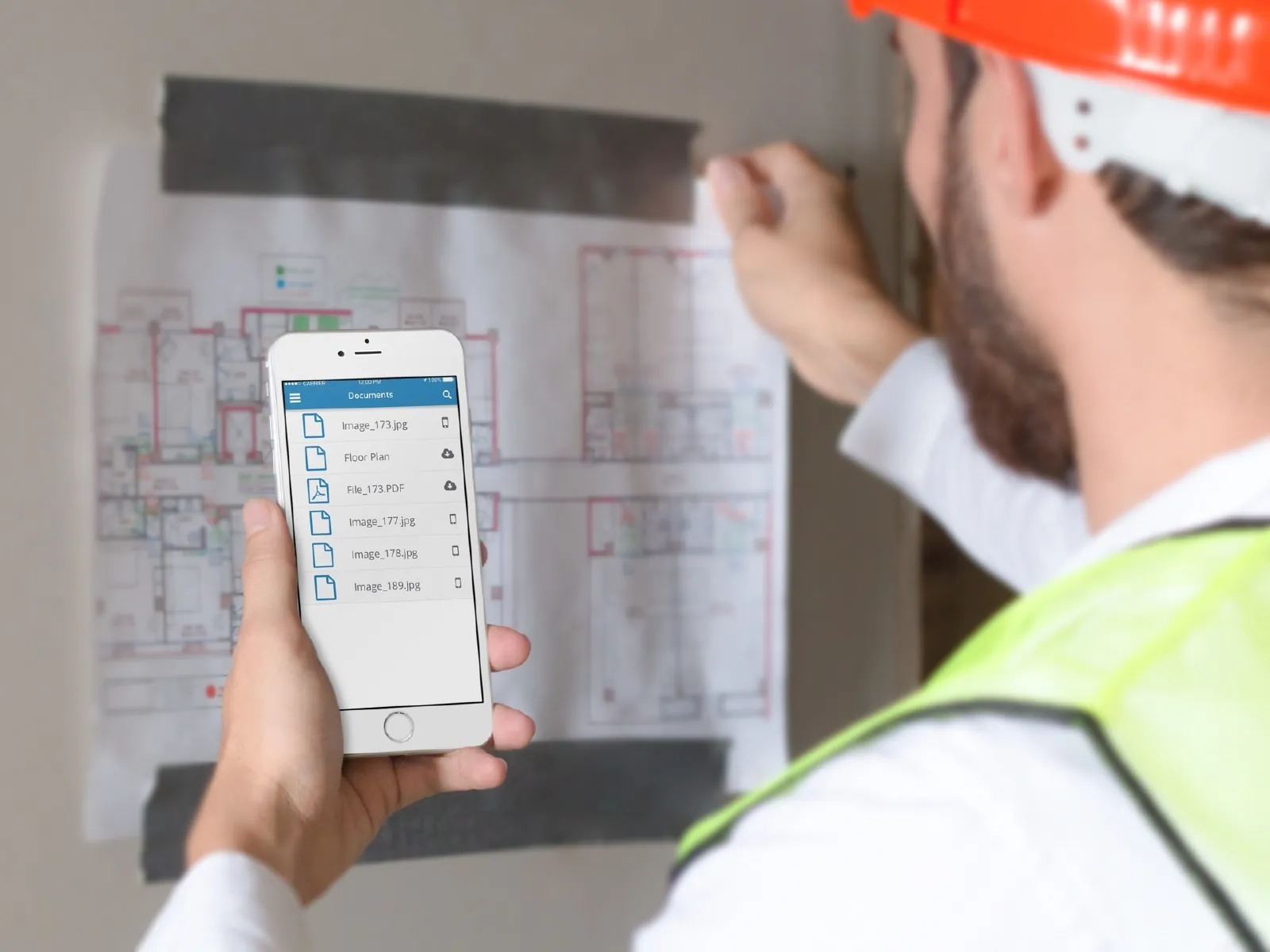
The cloud feature allows for the user to save and update files while on cellular or WiFI and use them when they are out on the construction site.

Mobile users most likely won't have consistent internect connectivity, so ensuring a seamless and automated system was put in place to allow the user to participate effectively was key.

A worker in a hard hat and safety vest holds a phone showing Project Boss documents in front of a floor plan
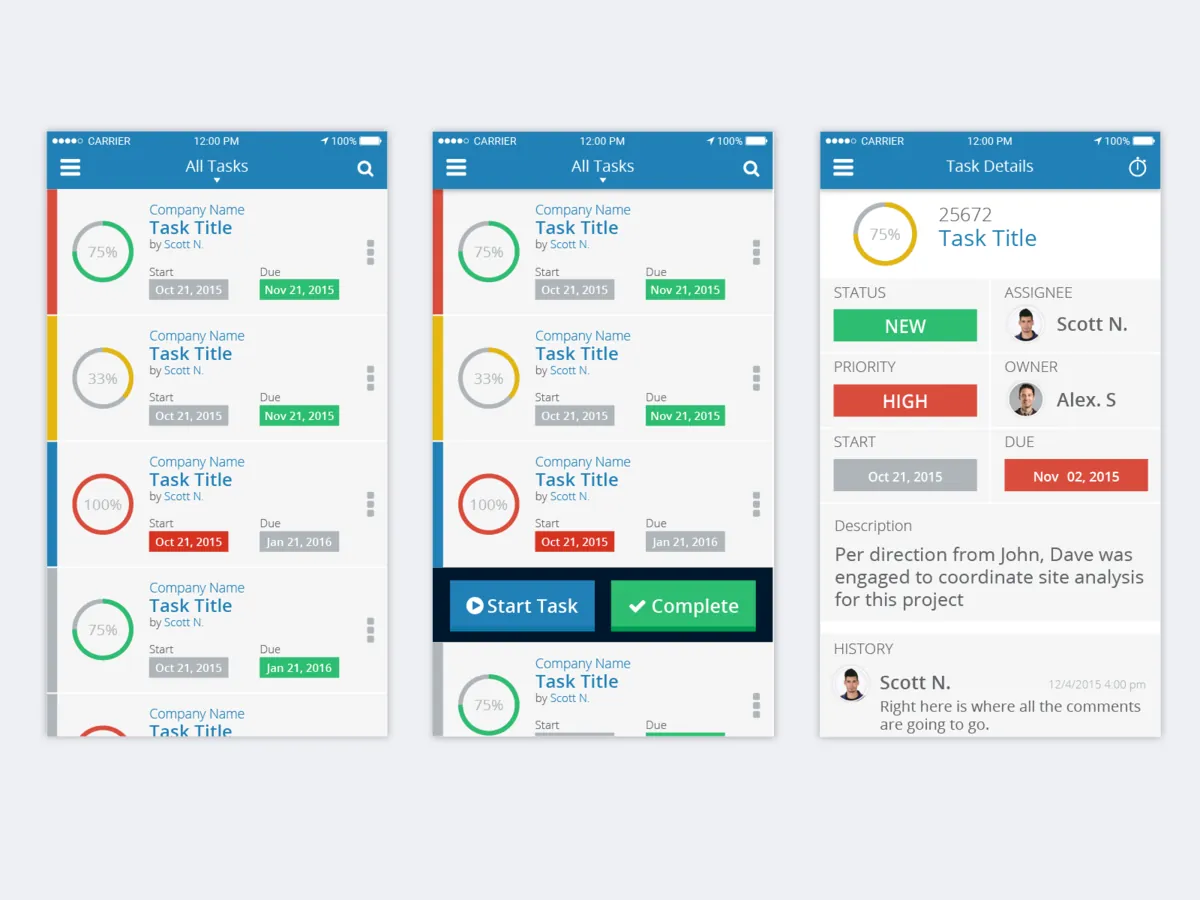
Project Boss task screens: the All Tasks list, a task with Start Task and Complete buttons, and task details

Ease of Use

The layout and colors make it quick for the user to see what projects are past due and need attention and how close to things are being done.

Giving the user drop downs and pop up menus allowed for the maximum screen use giving the user the right tools when they needed them.

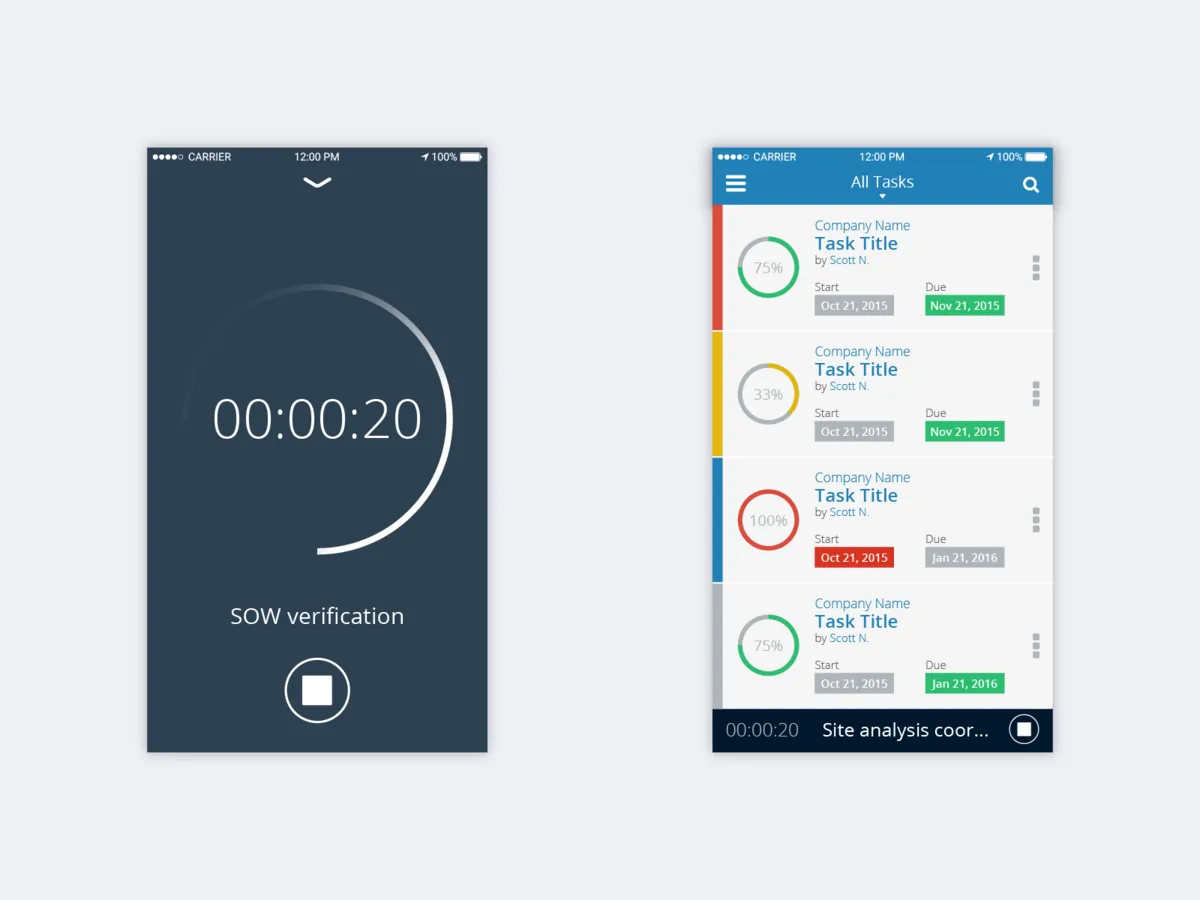
A Project Boss task timer running at 00:00:20, and the task list with the running timer pinned at the bottom

Time Tracking

Tracking time accurately is always a pain, but given appropriate tools users are much more likely to have accurate timesheets. Task timers allow users to track time even without an internet connection.

Given that Project Boss allows administrators to track time, create invoices for billable time, and even integrate with Quick Books Online, capturing timesheets from users on the go was very important.

More for Project Boss

Two projects for Project Boss

All the client work

2014 to 2016

  1. 2014 Project BossProject management, HR and invoicing, on the web. Read the case study
  2. 2016
    Project Boss Mobile AppDesigns for a mobile app for construction crews, to manage tasks and projects from the field, even offline. You’re reading this